First, verify Infrastructure Standards
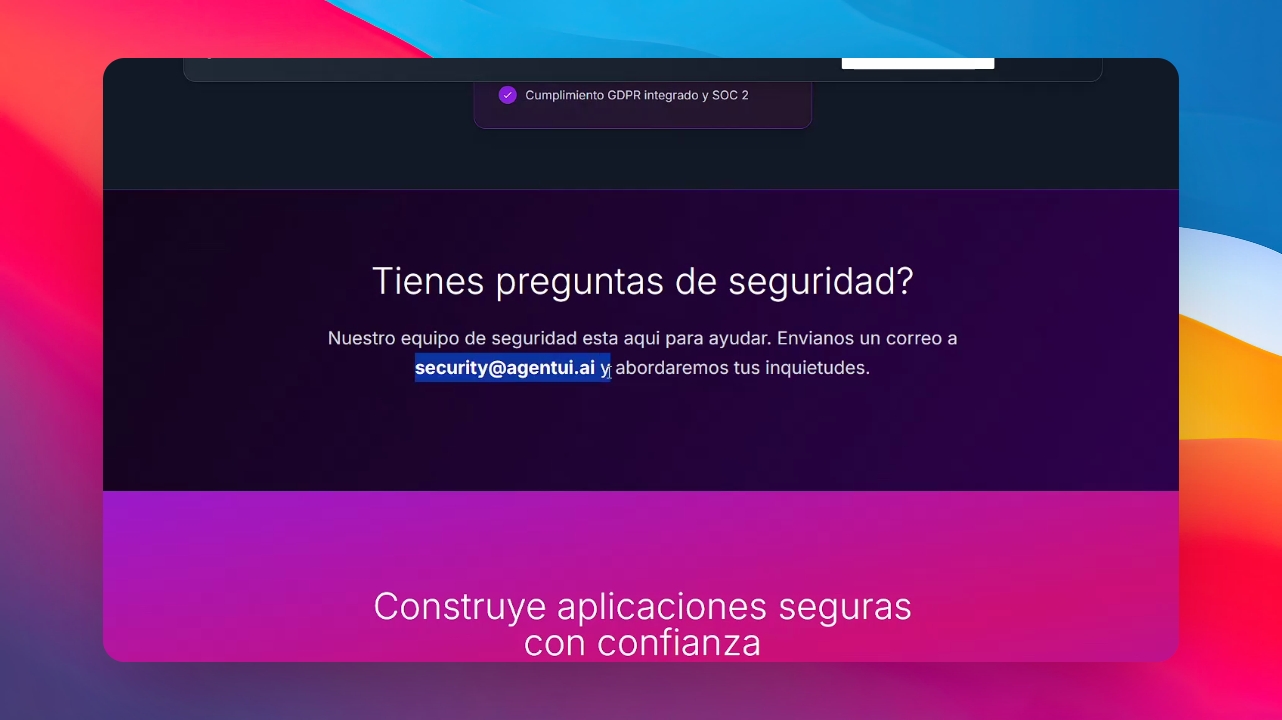
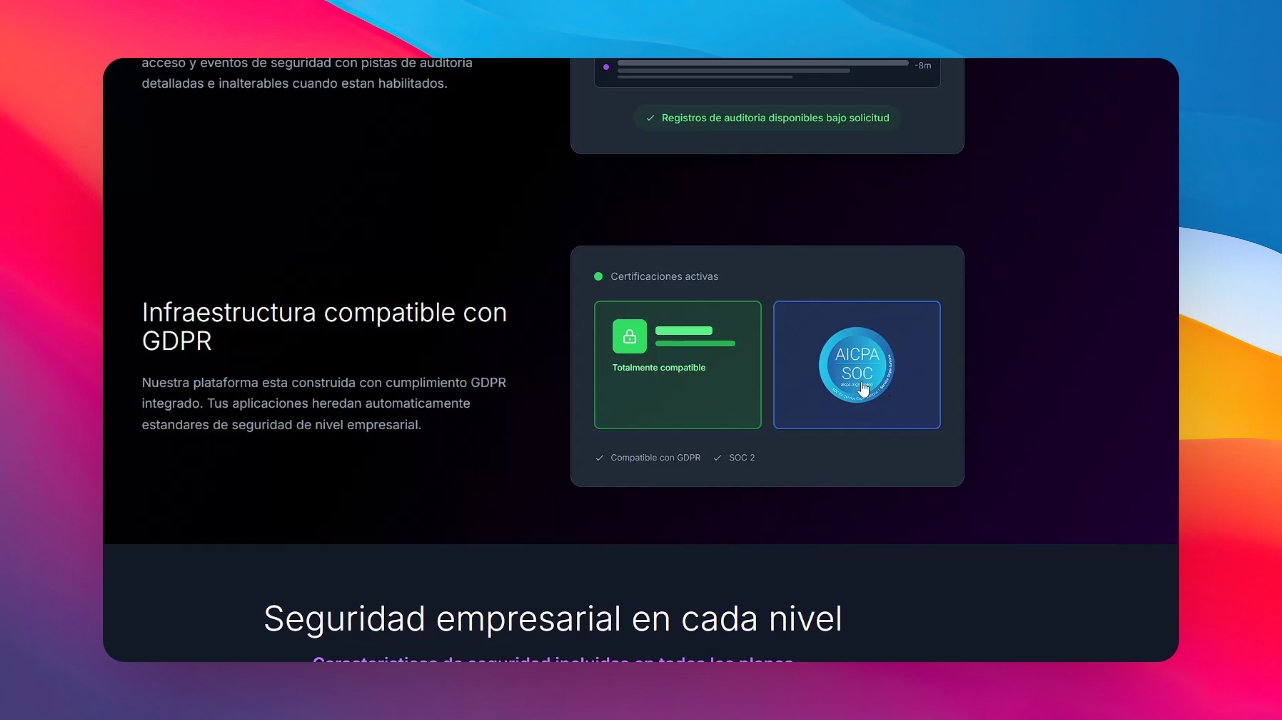
Remember that Agent UI uses a secure infrastructure that includes SOC2 certification, the same standard required by banks. This ensures that all processes, from data storage to transit, are encrypted and protected
Step 1: Access Data Security Settings
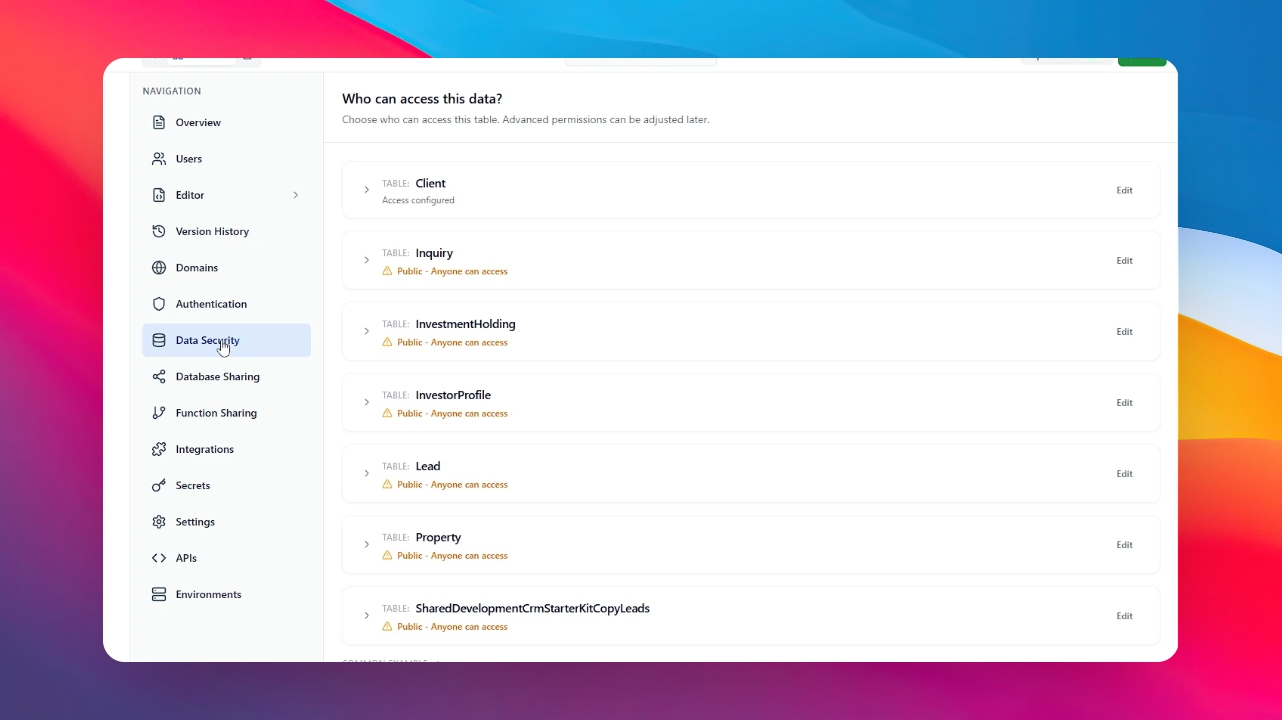
To manage who can see your information, go to the "Dashboard" and select the "Data Security" section in your Application.
Step 2: Define Access Levels
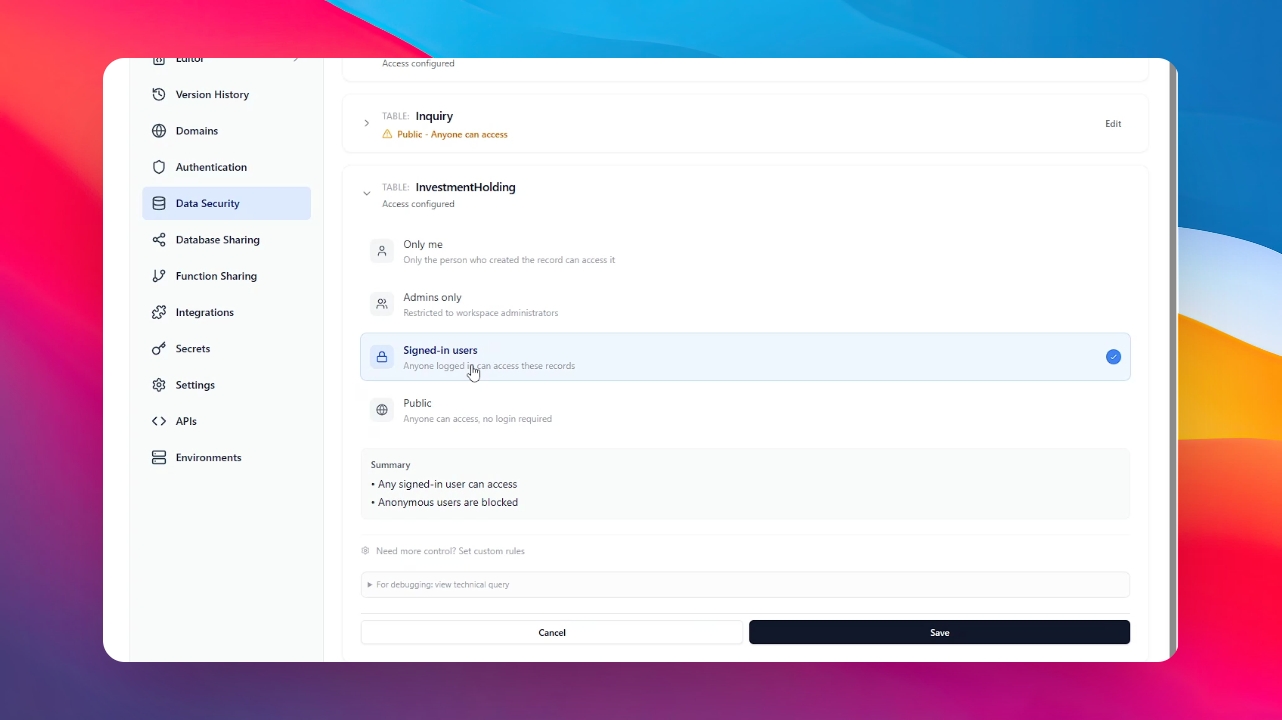
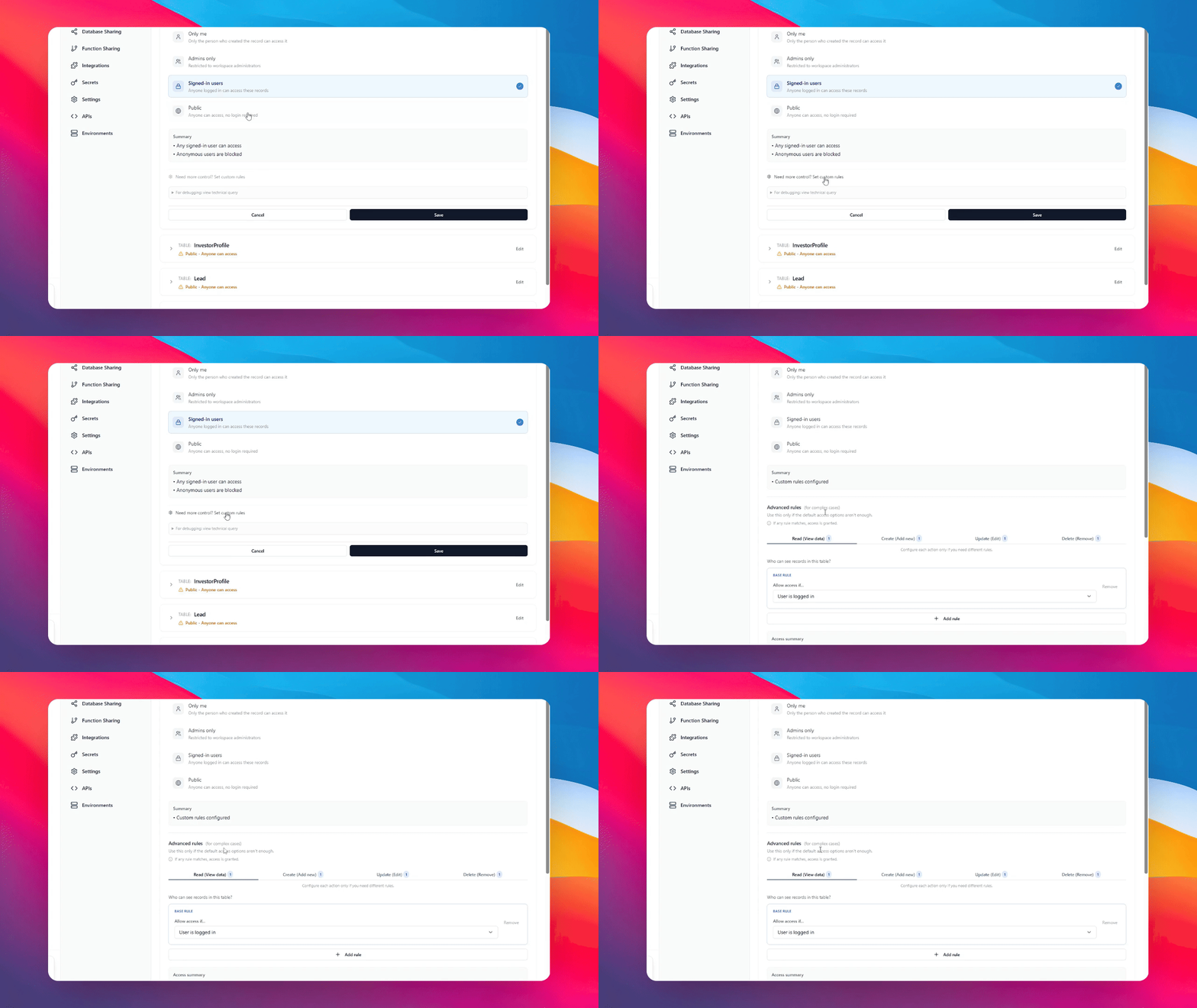
In the Data Security section, you can specify visibility rules. You can choose any table in your database, and by clicking on Edit, you can see if the information is public, restricted to administrators, or only accessible to users with an active session.
Step 3: Set Custom Permissions
You can fine-tune your security by defining specific permissions at the application level. Click “Need more control," and now you can decide exactly who has the right to read, create, update, or delete data.
Step 4: Finalize Before Publishing
Ensure all your permission levels are correctly configured before taking your application live. This step is crucial to preventing unauthorized access to your data.
Step 5: Contact Security Support
For specific security questions or concerns, you can always reach out directly to our dedicated security team at security@agentui.ai