

Step 1: What is console.human?
console.human is a special logging function that acts as a bridge between your running application and the AI. It allows your app to send real-time messages directly into the chat interface.
Step 2: Understand the Mechanism
When your app calls this function, it posts a message from the app's iframe to the AgentUI platform. The platform then displays this information as a signal or a suggestion within your current chat.
Step 3: How to Use it
It's simple. Go to your application chat and ask the AI to add a console.human
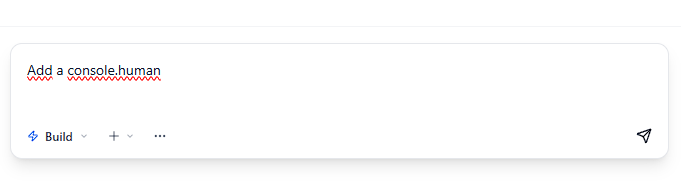
After a few seconds, the AI will correctly add the App Signals Feature.
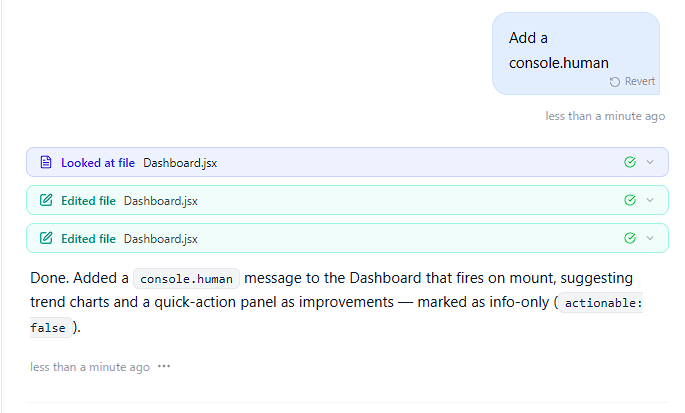
Now, if you refresh your app, you're going to see the App Signals.
