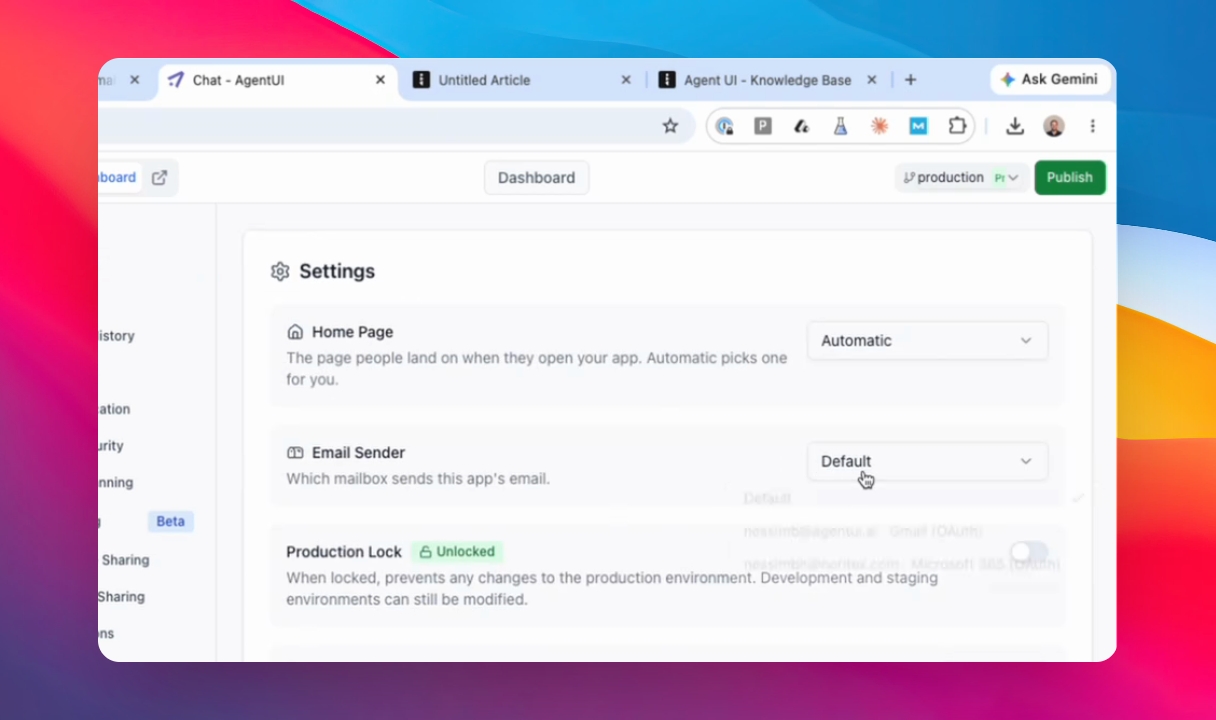
This guide explains how to connect your email so the application can send emails on your behalf. Let's look at the steps:
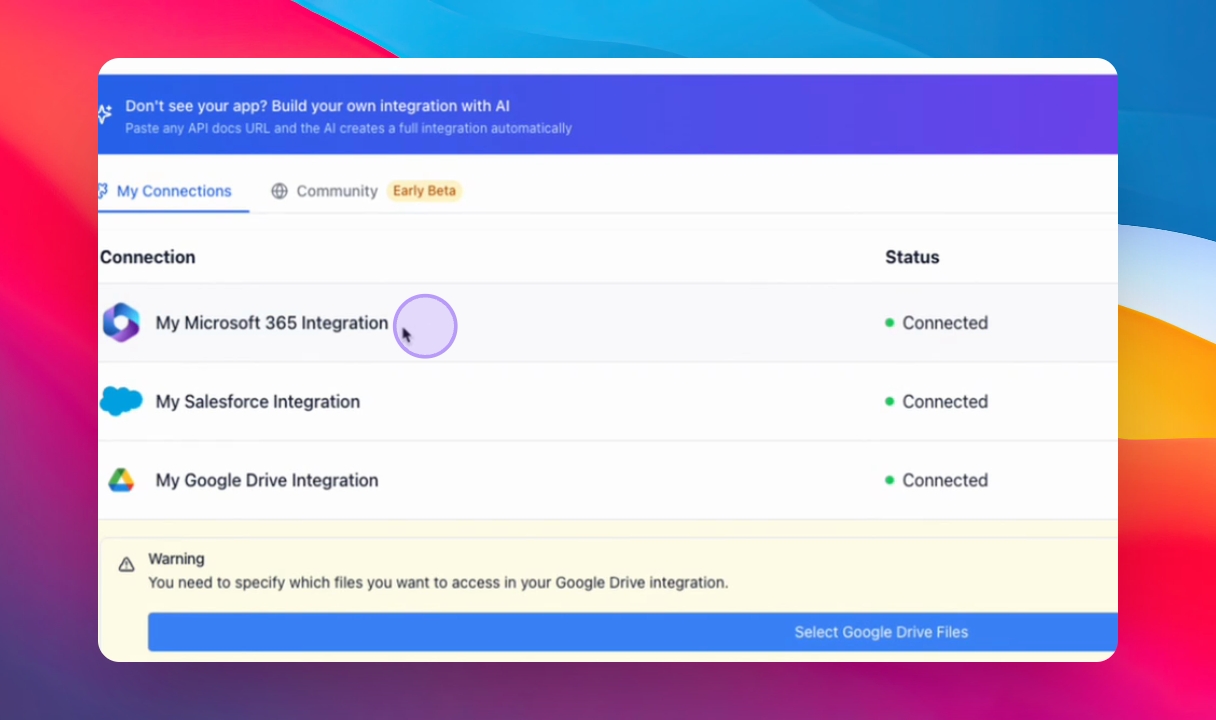
Option 1: Connect Microsoft 365
Search for 365, add a new integration, select only your Outlook, and connect with Microsoft.
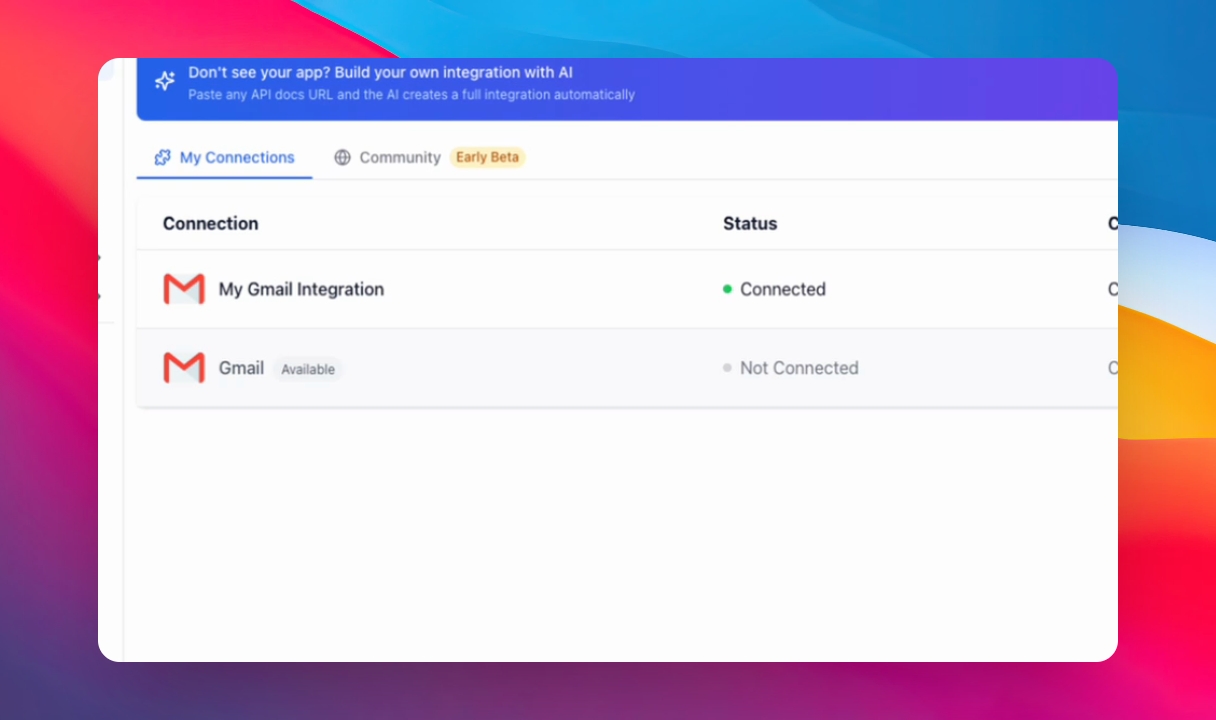
Option 2: Connect Gmail
Follow the standard Gmail connection flow to link your Gmail account.
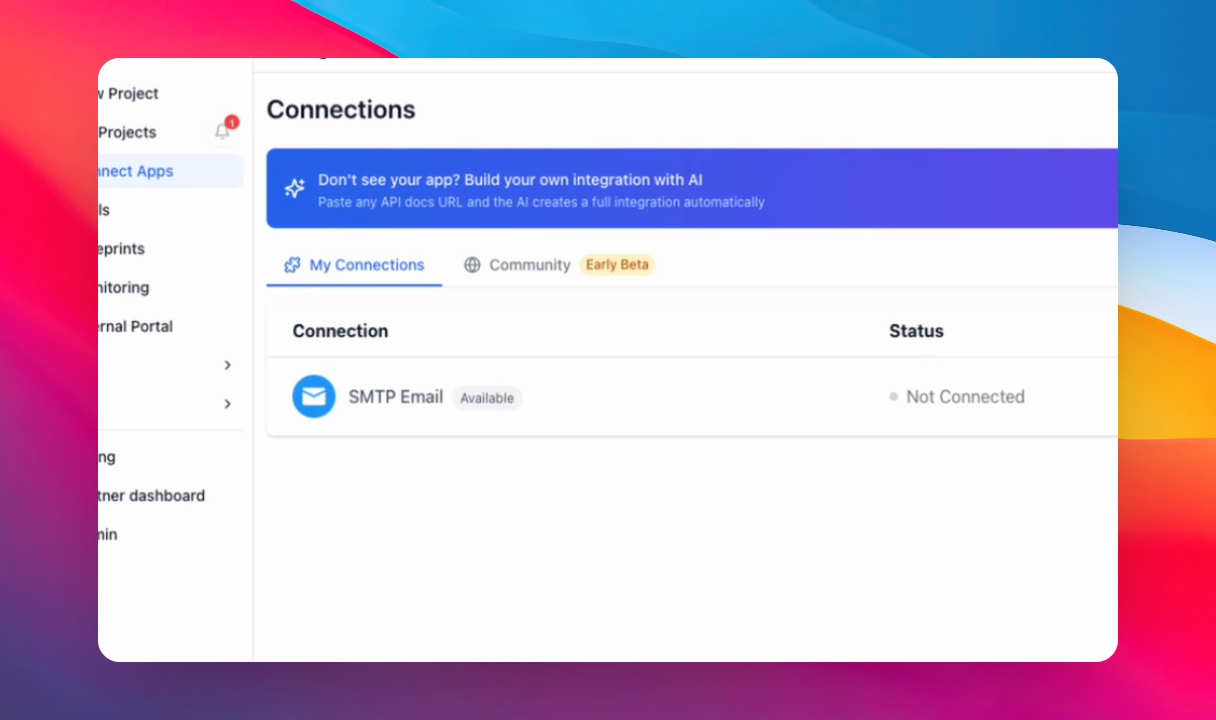
Option 3: Connect SMTP Server
Use your own SMTP server by entering its details to enable email sending through it.
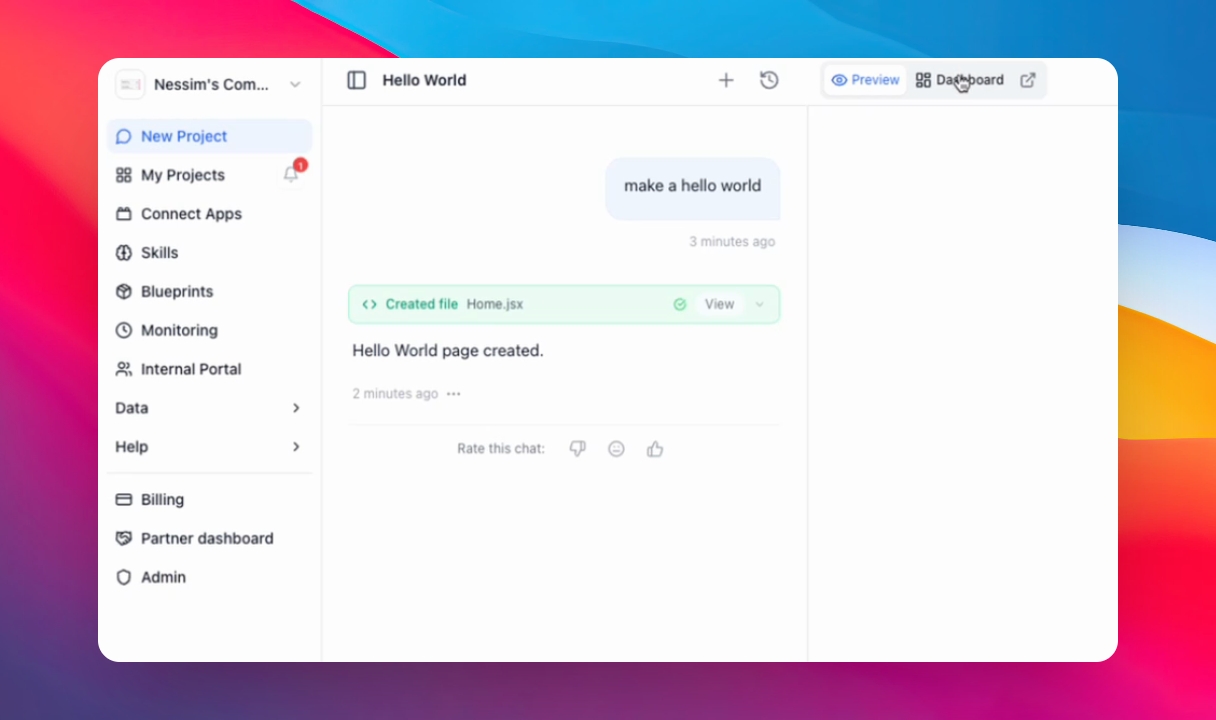
Step 1: Go to your app and open the dashboard
Go to your app and open the Dashboard, then select Settings
Step 2: In your settings panel select the email you connected in Section 1
The email address you want the application to send emails from. You can choose your Microsoft, Gmail, or SMTP email.