

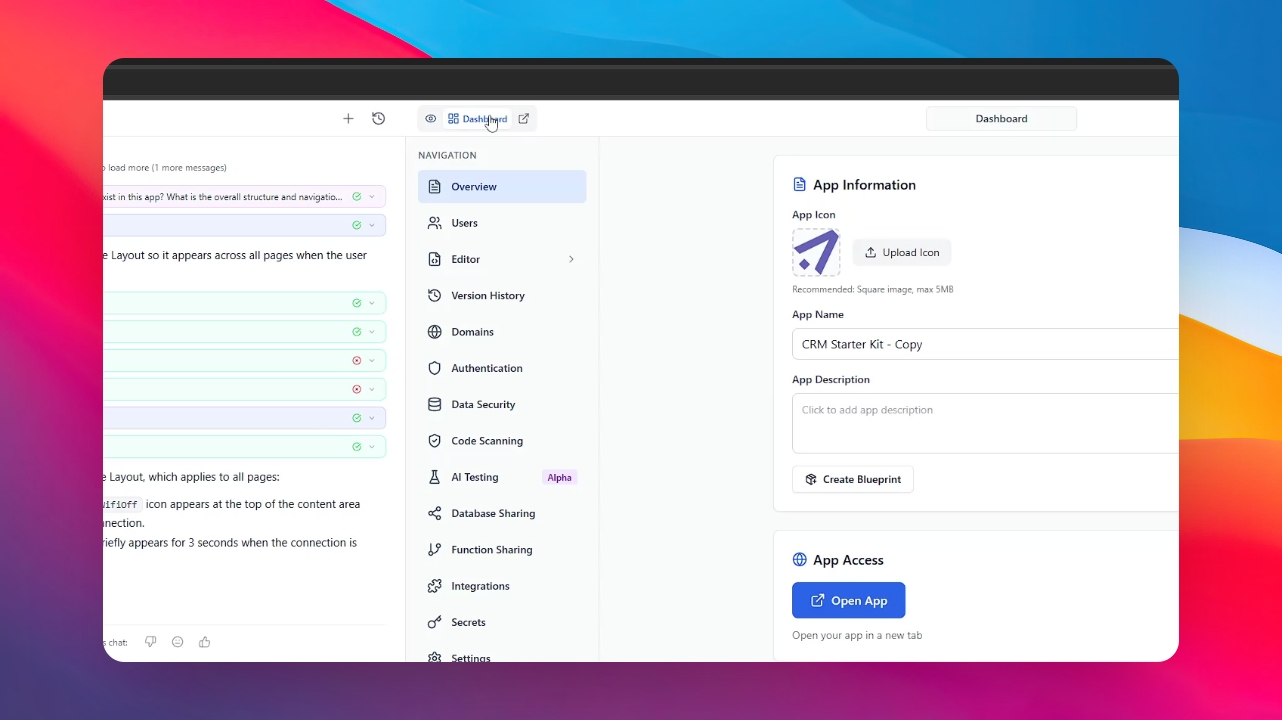
Step 1: Open the Dashboard
To start, open your application and click on the Dashboard icon located in the side menu.
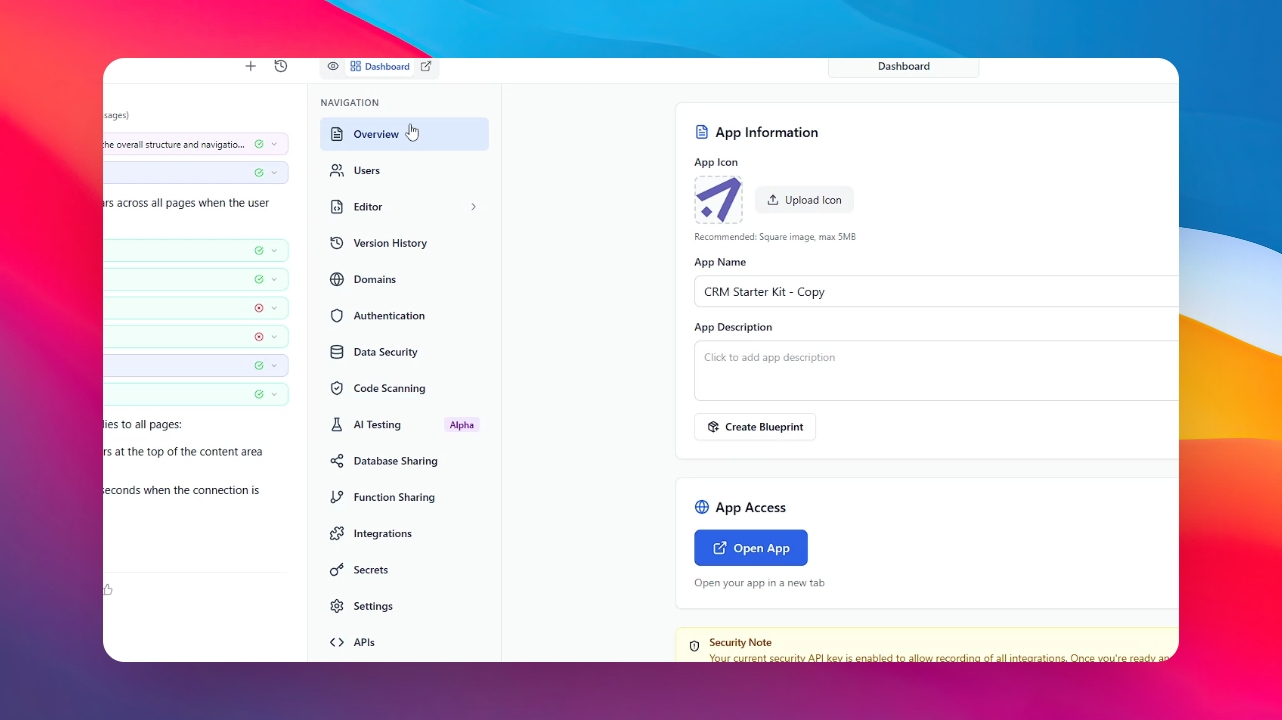
Step 2: Go to the Overview Section
Once inside the Dashboard, navigate to the Overview section in the settings menu.
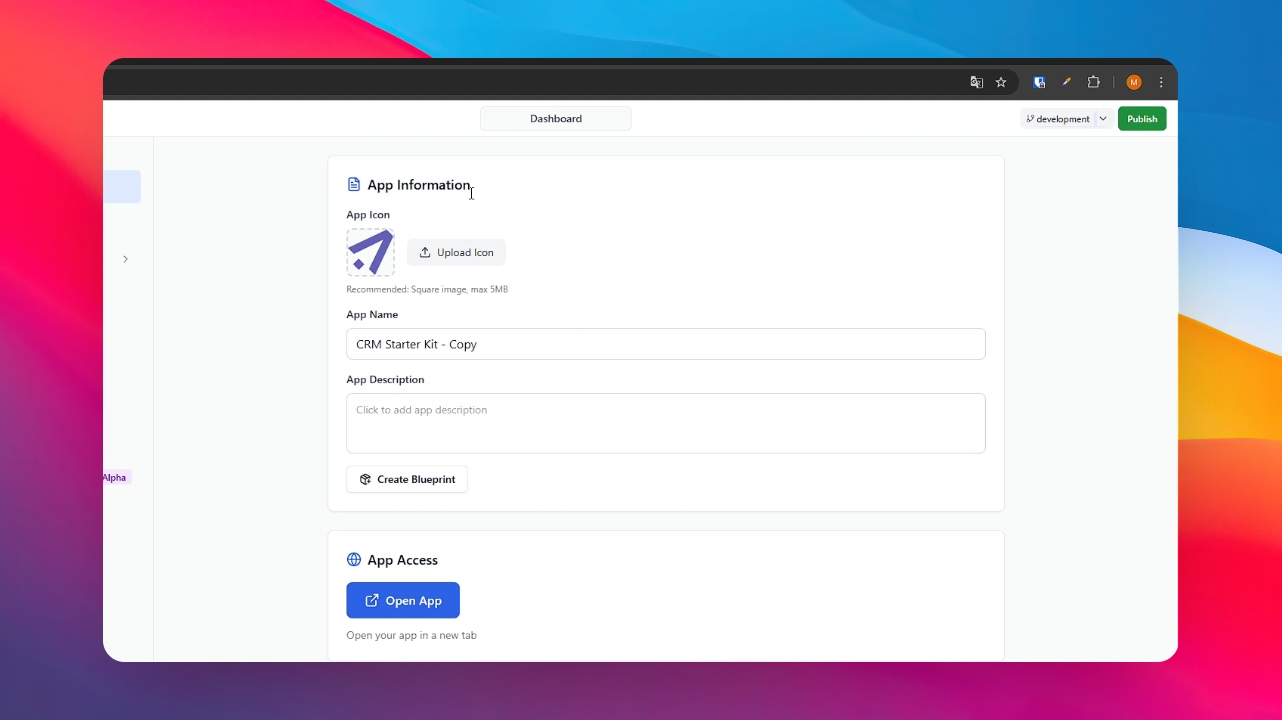
Step 3: Access App Information
Locate the first section labeled "App Information". Here you will find the basic details of your project.
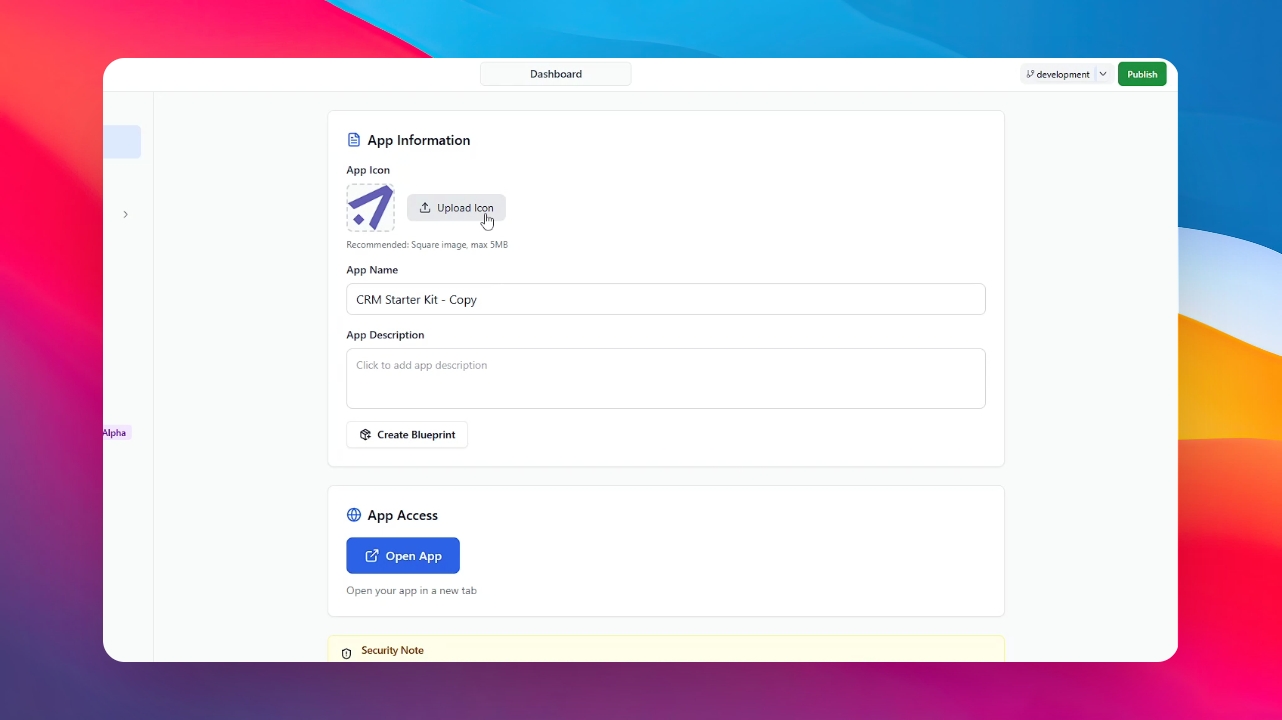
Step 4: Upload Your Logo
Click on the "Upload Logo" button and select the image file from your computer.
Step 5: Automatic Generation
Once uploaded, the system will process the image and automatically generate the favicon and logo for your webpage. You can now see the changes live!