TL;DR
1
Access Overview section
Navigate to the Overview section in the app.
2
Upload app logo
Press the upload icon to add your app logo.
3
Input app name
Click to enter your desired app name.
4
Save app name
Press the green check mark to save the name.
5
Input app description
Click to enter your app description.
6
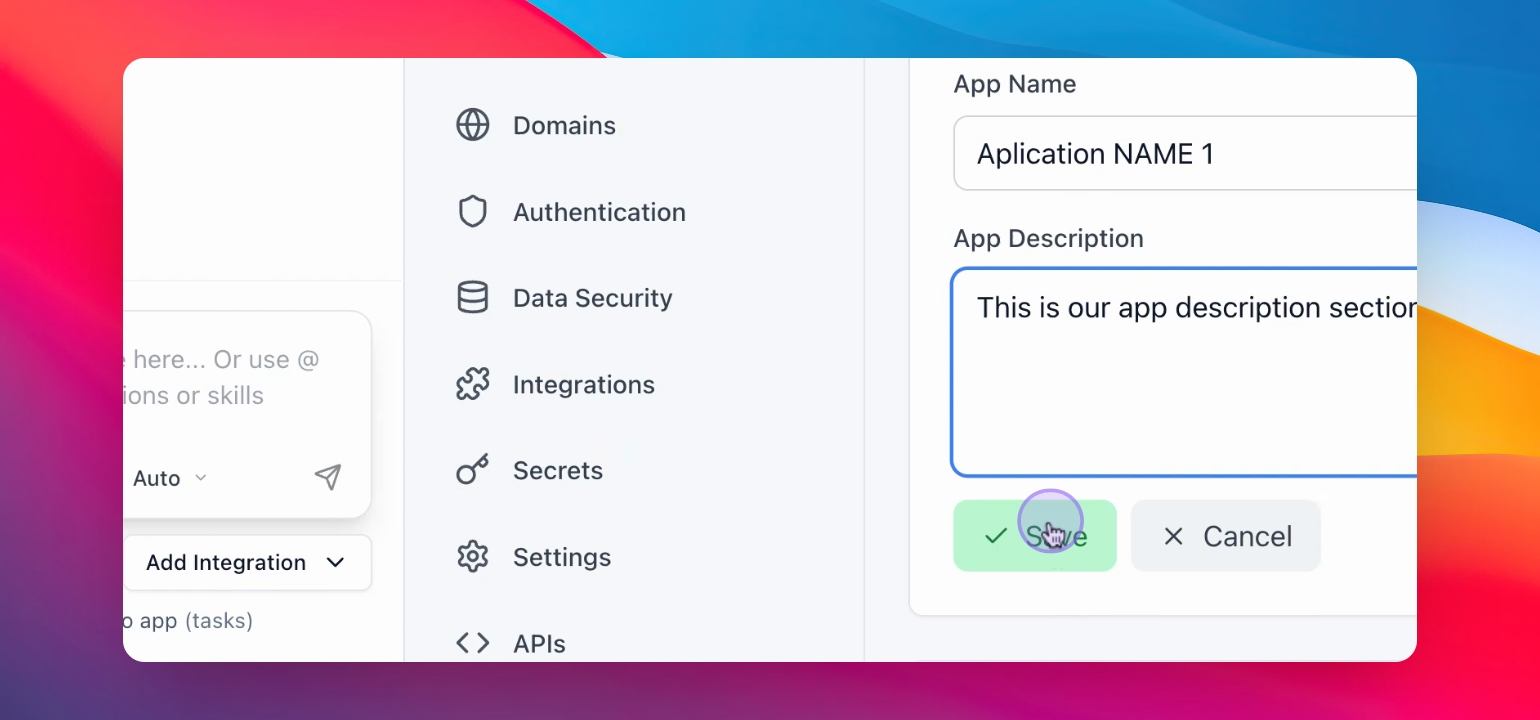
Save app description
Press the green check mark to save the description.
Let's Do It Together!
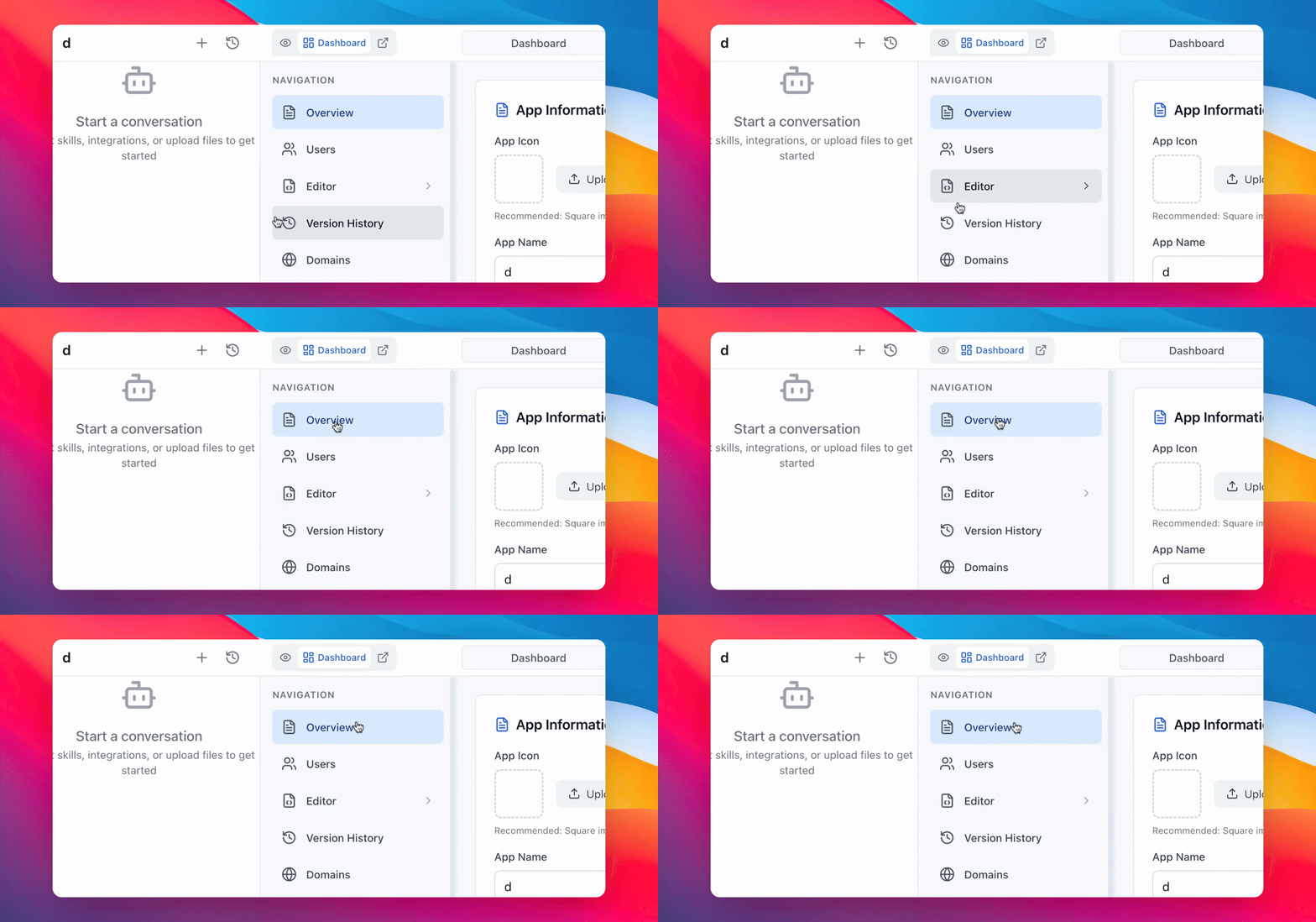
Step 1: Access Overview Section
Navigate to the Overview section in the navigation menu.
You are now in the Overview section. There´s your App information.
Step 2: Upload App Logo
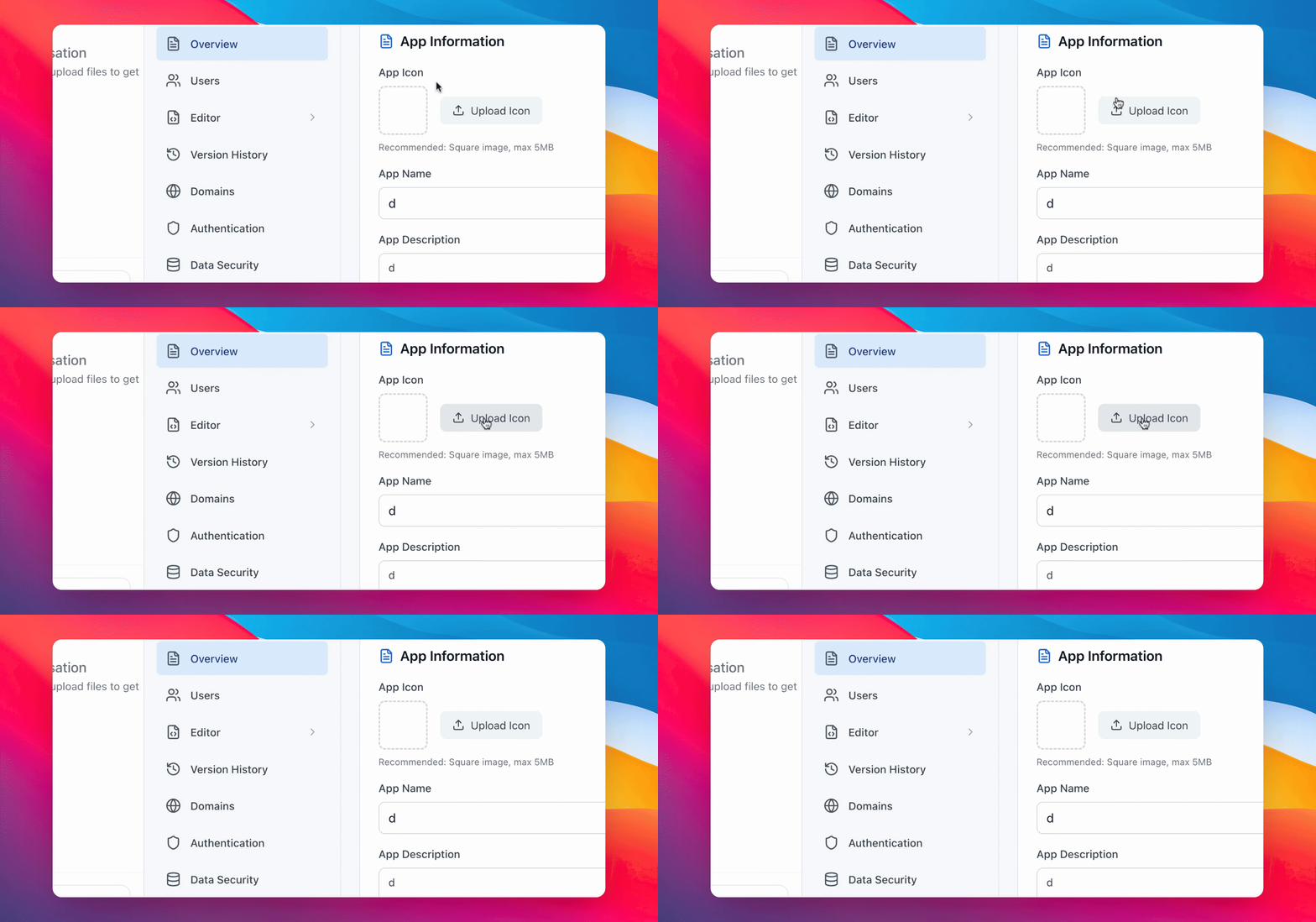
Press the upload icon to upload your app logo.
Your app logo is now uploaded.
Step 3: Input App Name
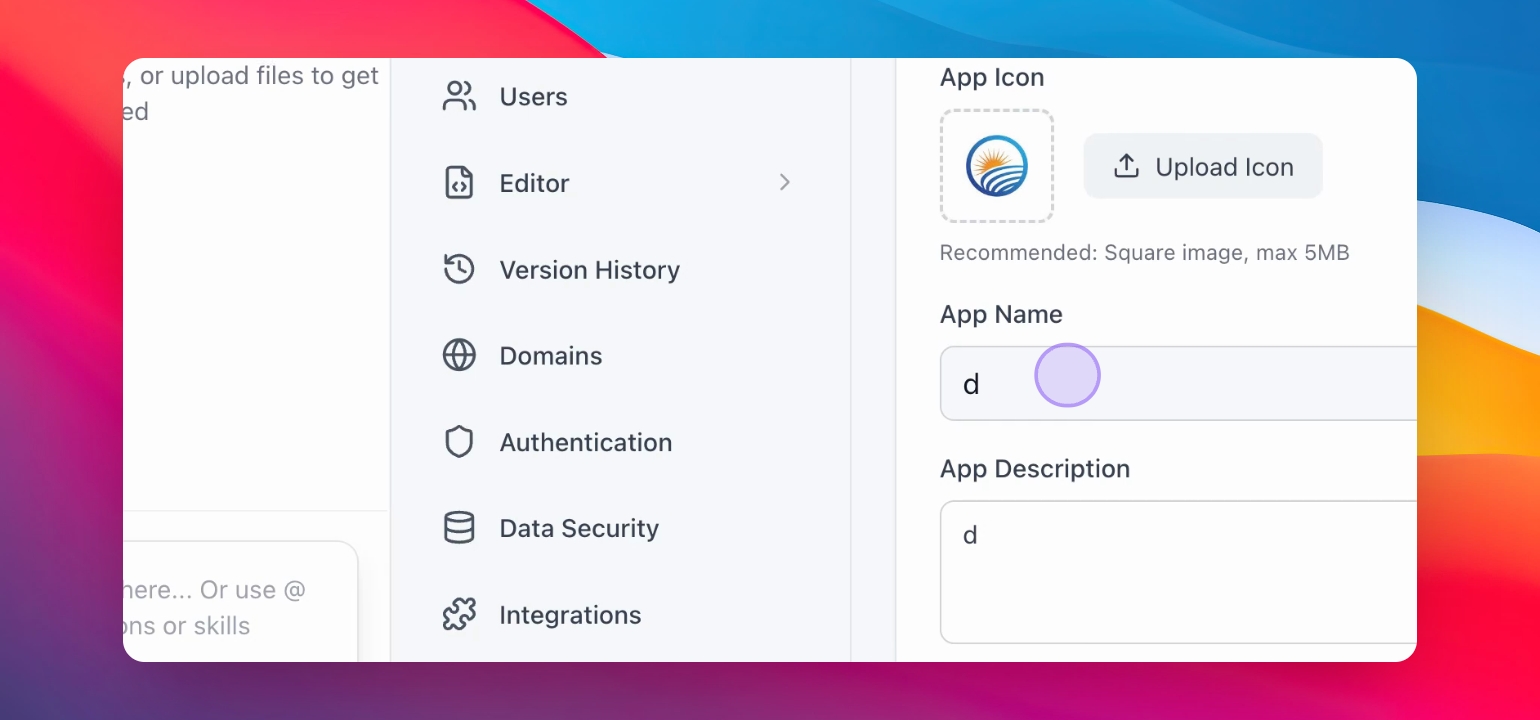
Also, you can upload your app name. Click “App name” and type whatever name you like.
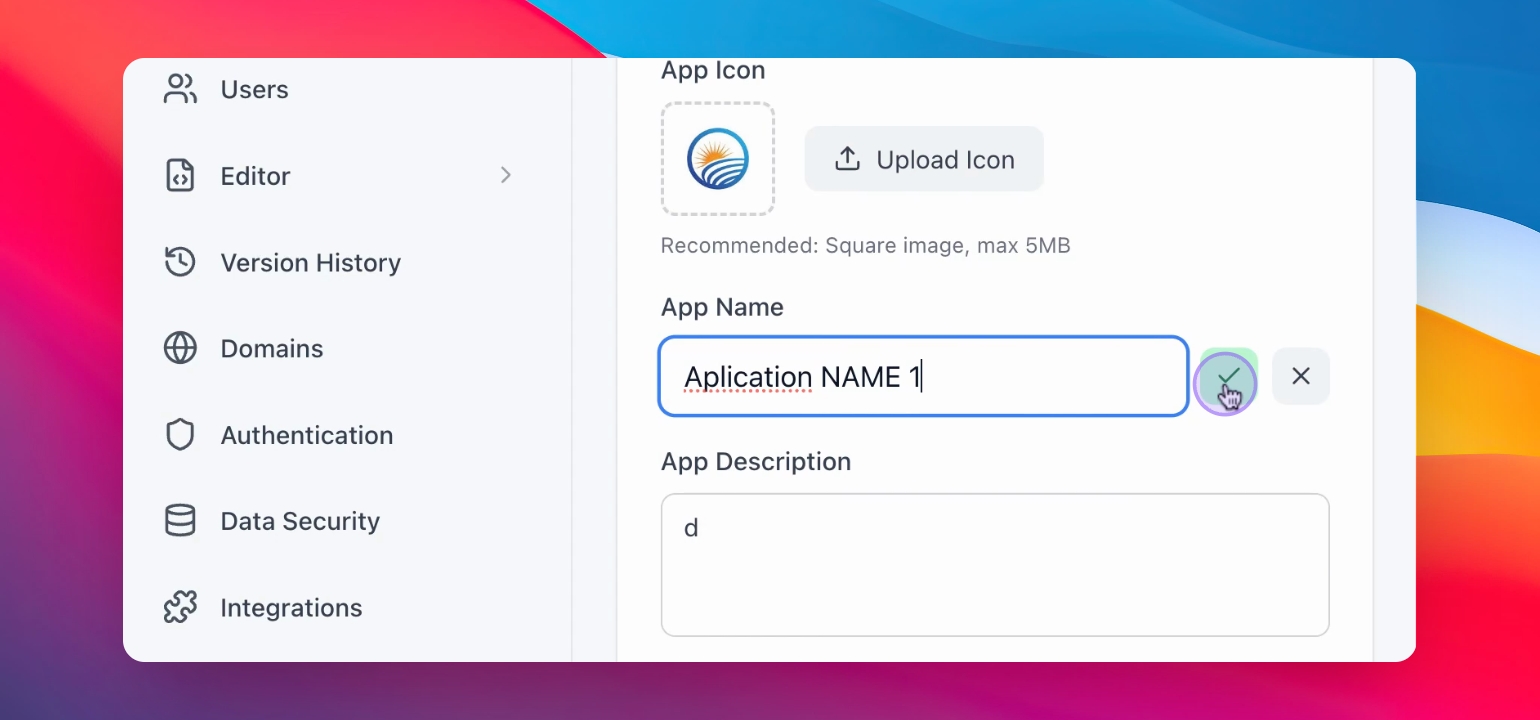
Step 4: Save App Name
Press the green check mark button in the right to save your new app name.
Your app name is now updated.
Step 5: Input App Description
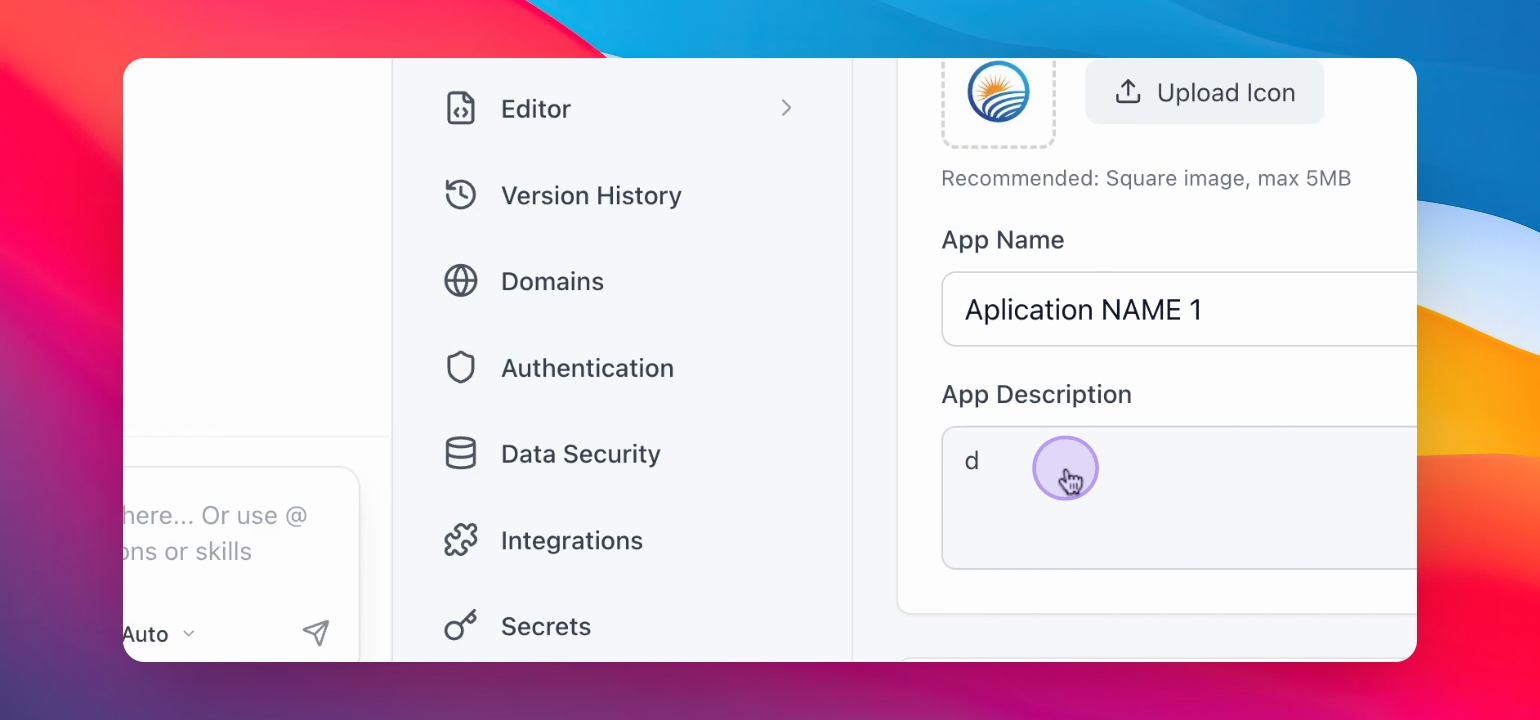
You can add or change your app description. To do this, click on the menu item “App description” below and add the description of your app.
Step 6: Save App Description
Press the Green check mark with the save button to save your app description.
Your app description is now updated.