Step 1: Access Your App and Create a Dashboard
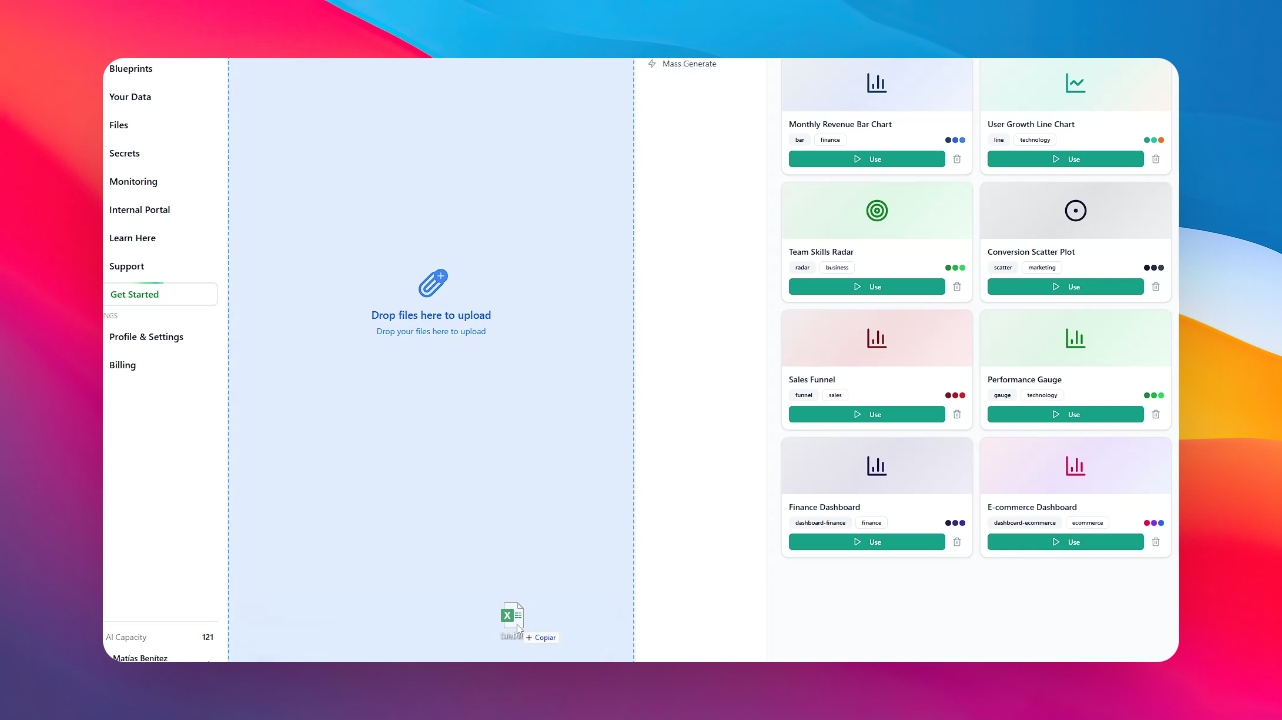
Go to your application to begin the process. If you haven’t created a dashboard yet, simply drag and drop your Excel file. You can also use SQL files or connect directly via an API.
Step 2: Convert Data to Dashboard
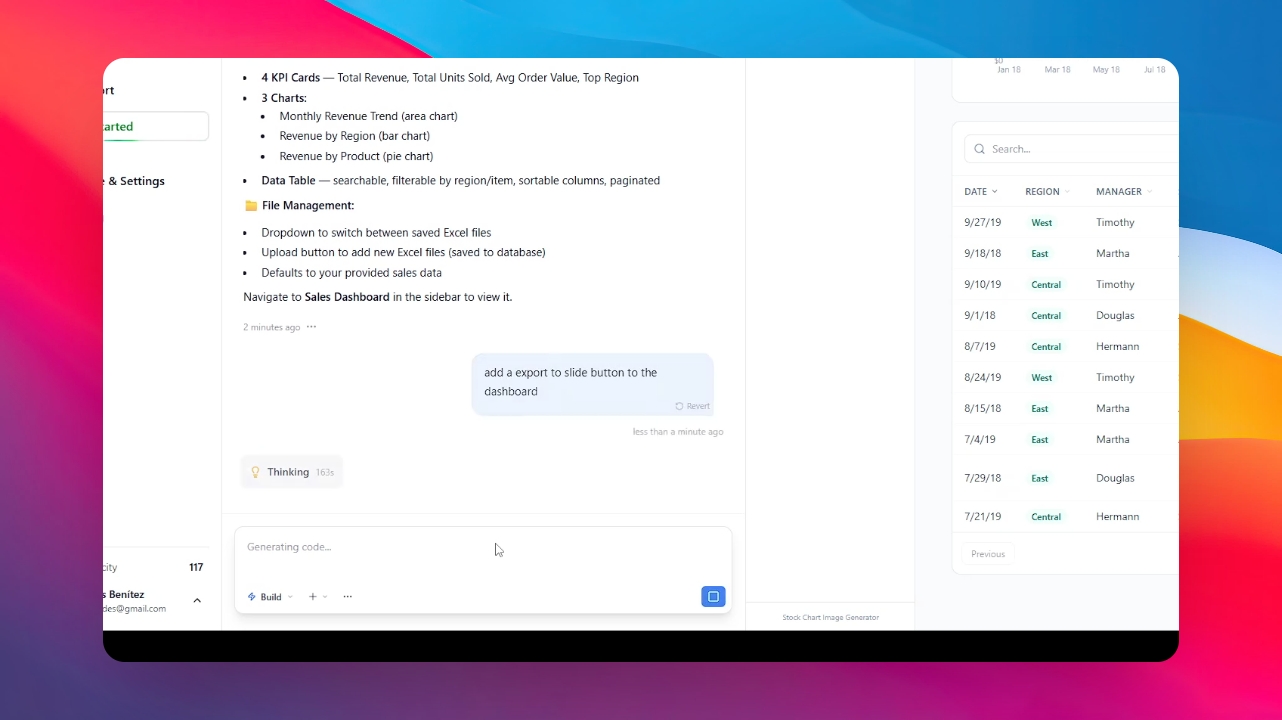
Once your data is uploaded, ask the AI to convert the information into a dashboard. Type @ and search the "Slide to Presentation Skill" Wait a few minutes for the system to process and visualize your data.
Step 3: Select File Type
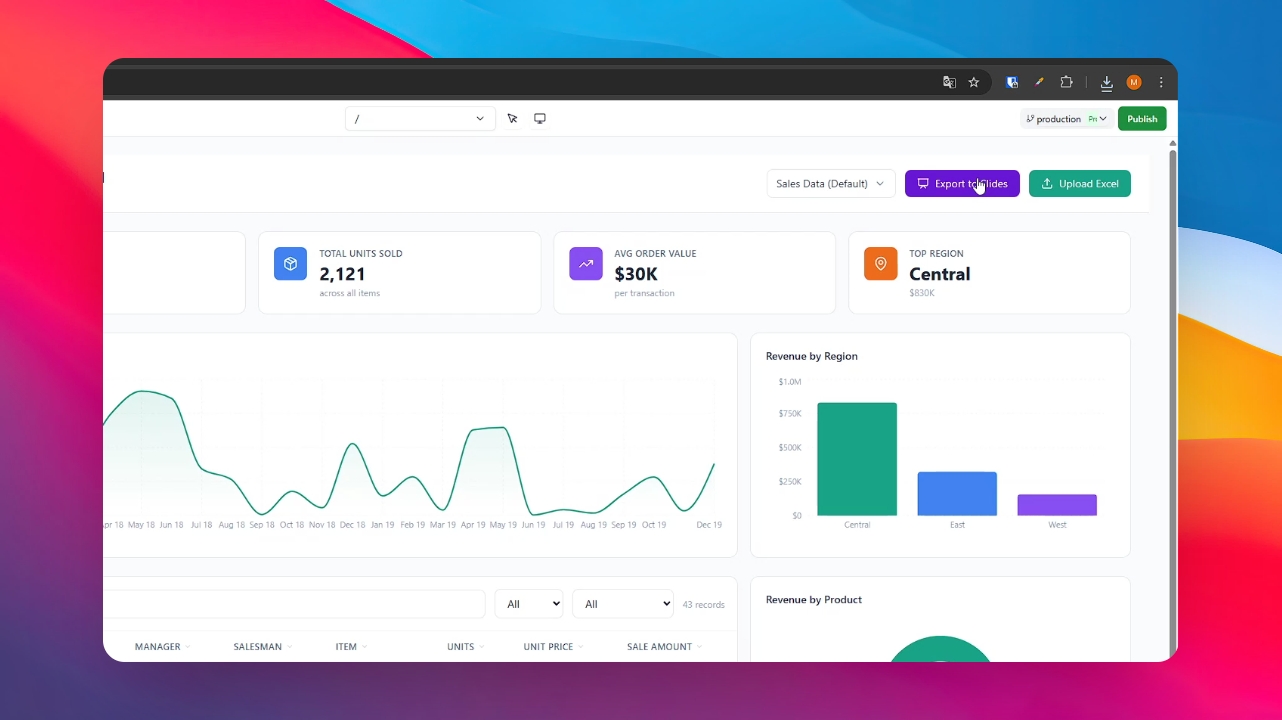
Click the newly created "Export to Slide" button. Select your preferred file format from the options provided.
Step 4: Download and Review
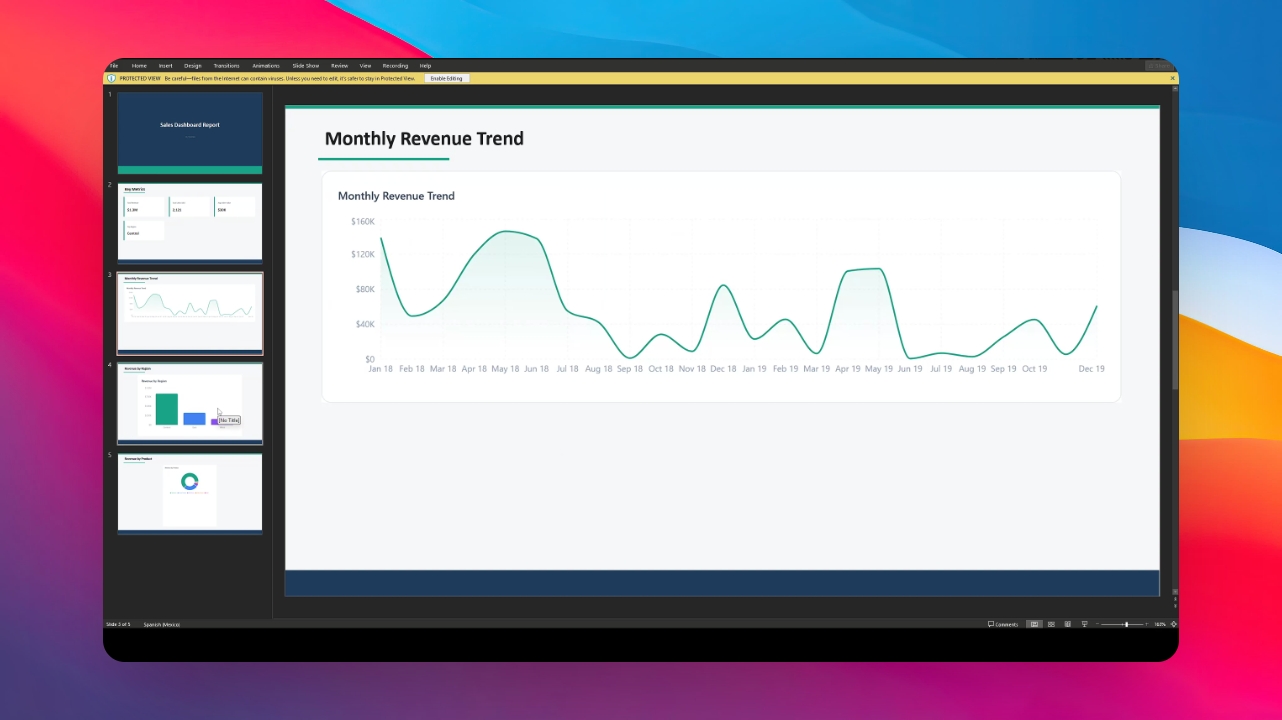
The file will download automatically to your computer. Open it to see your dashboard data fully converted into a clean, professional presentation.