Let's do it together!
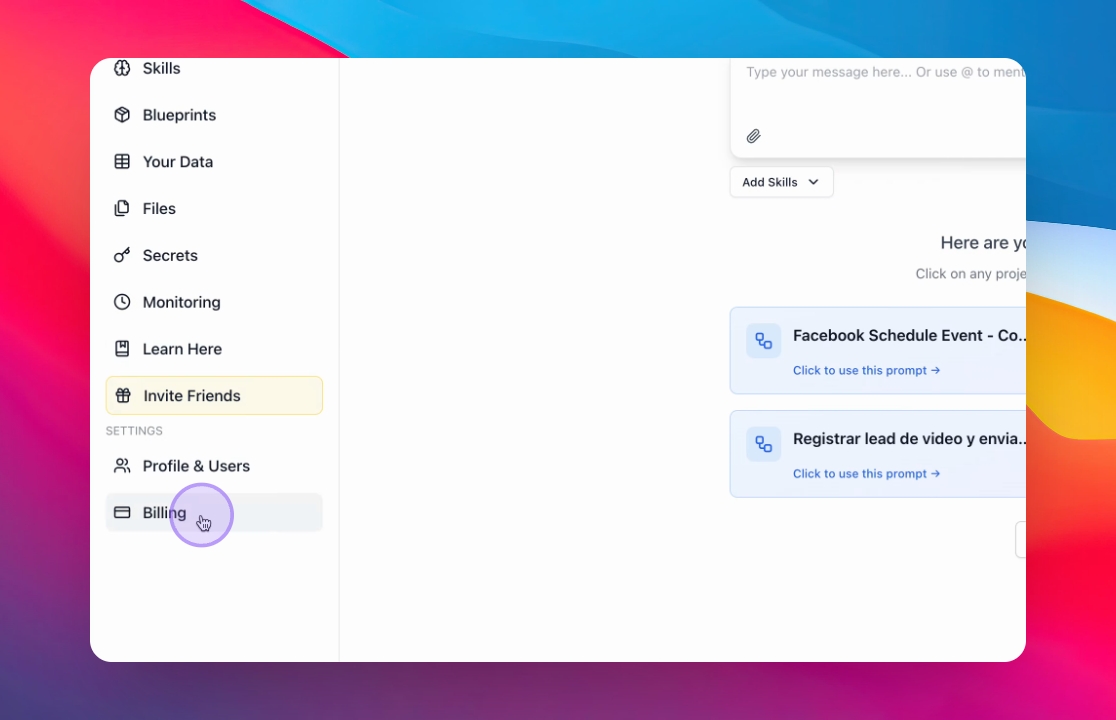
Step 1: Go to Billing
Open the billing section in the main menu to manage your credits.
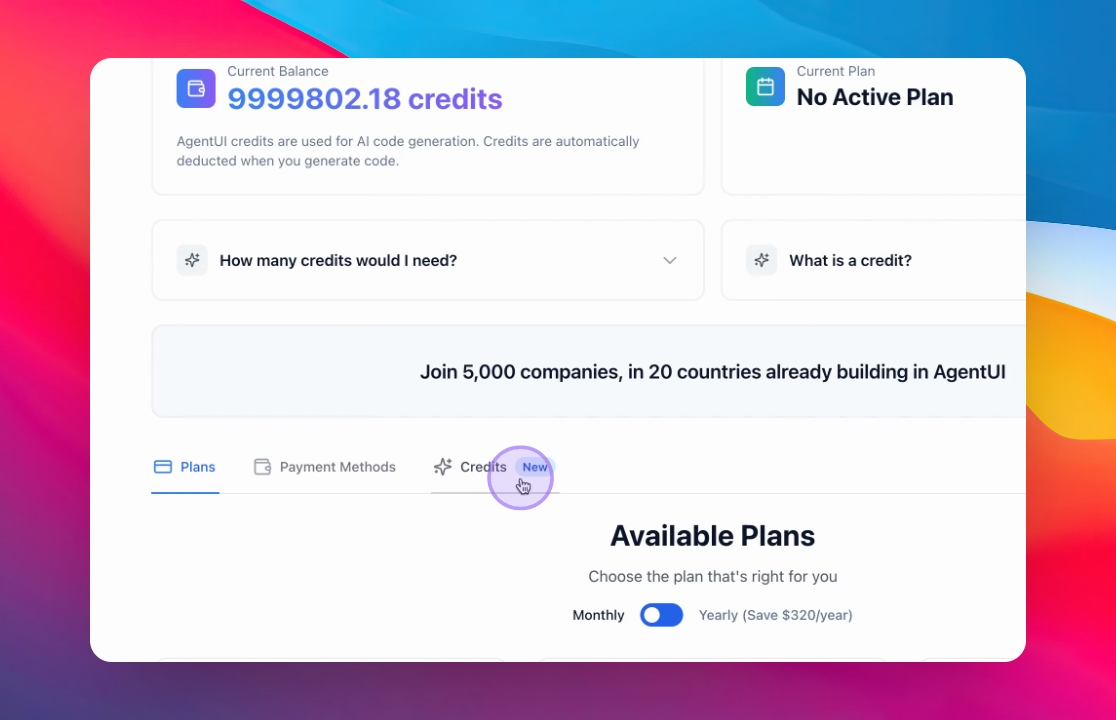
Step 2: Navigate to Credits
Access to the credits section to configure your settings.
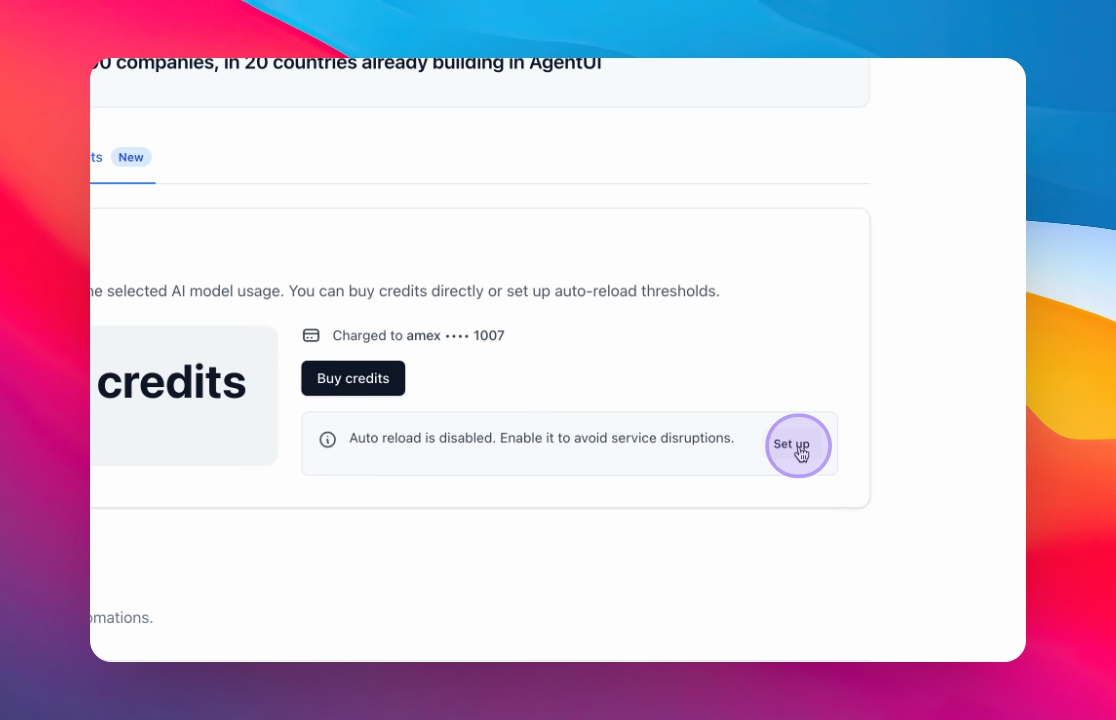
Step 3: Click Setup in Agent UI credits
Click on the Agent UI credits to set up charging.
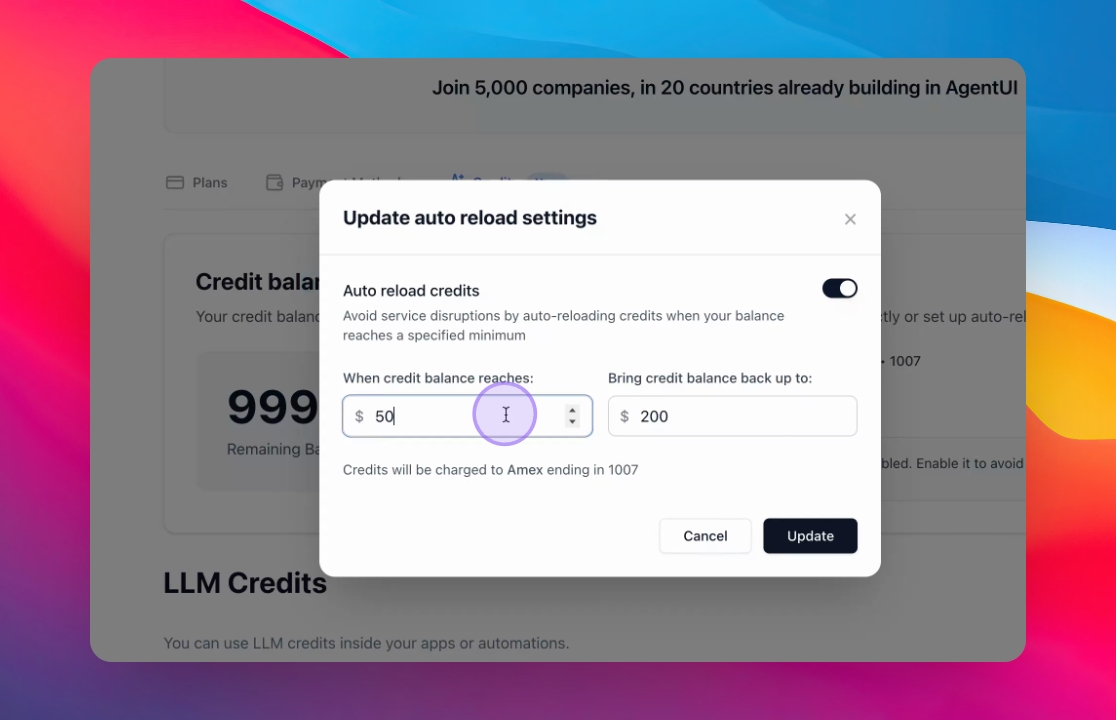
Step 4: Set up Automatic Charging
Configure it to charge automatically at a certain point and return to a specified level.
For example, set it to charge at 50 and restore to $200.