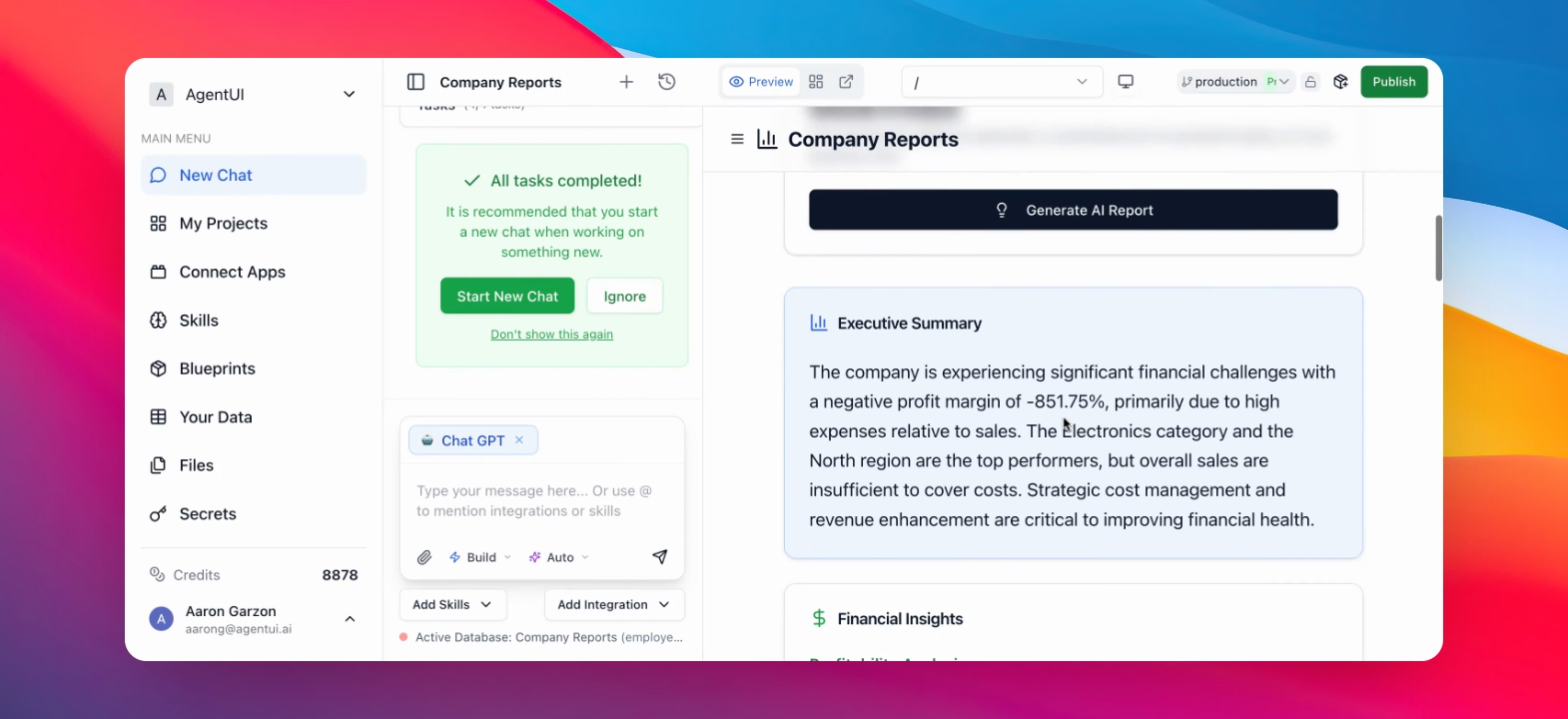
Step by step guide
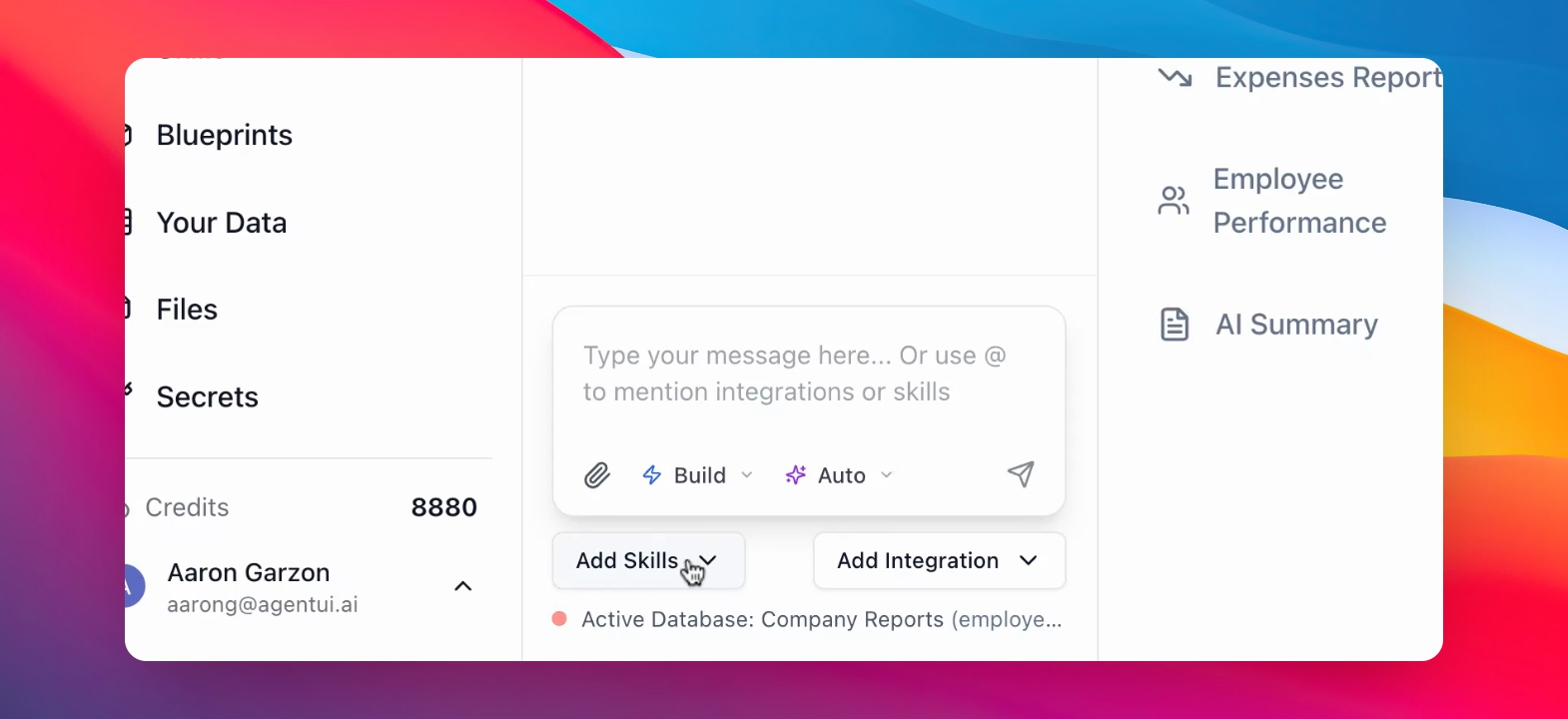
Step 1: Open Add Skills
Click the "Add Skills" button to view all the skills that Agent UI offers you.
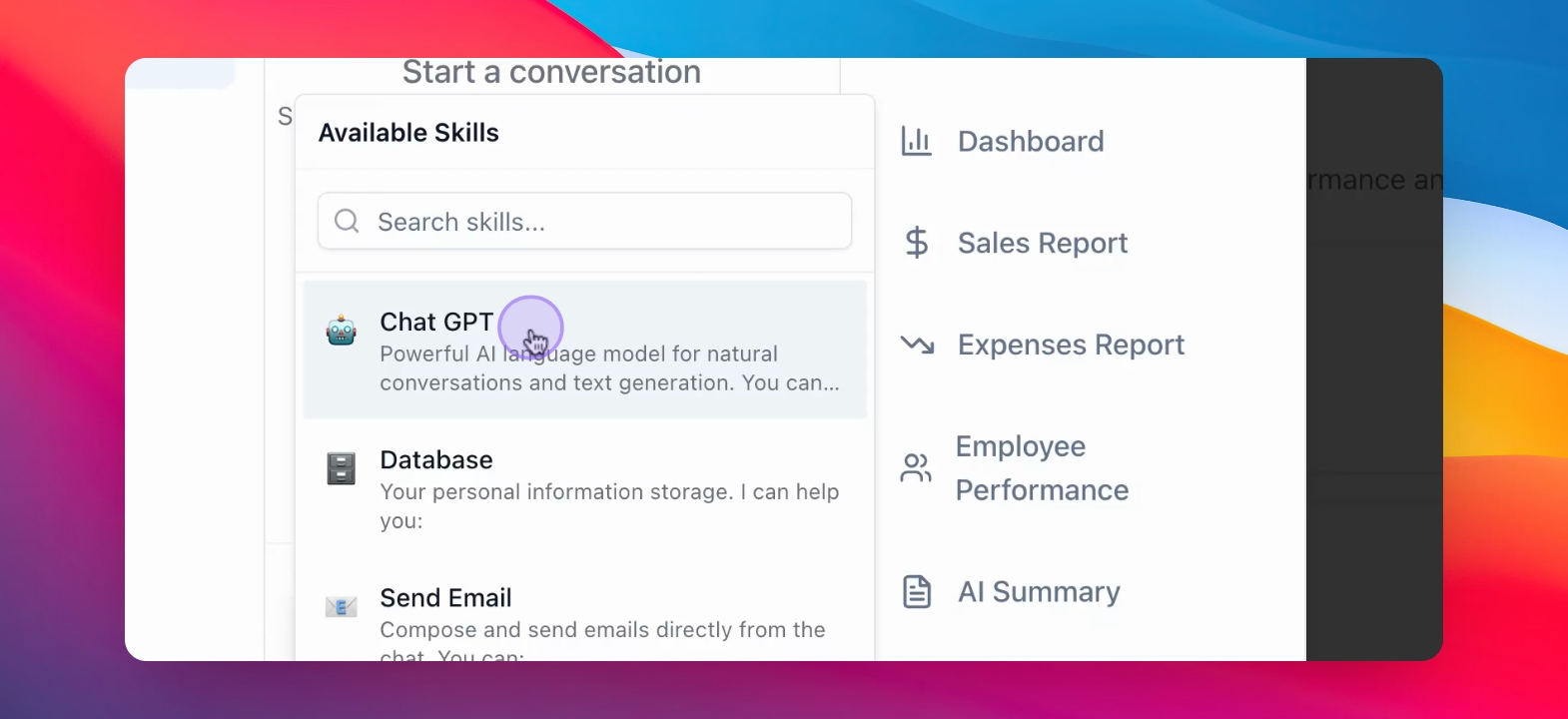
Step 2: Select ChatGPT Skill
Scroll down until you find Chat GPT skill. Click on it. ChatGPT integration is now available.
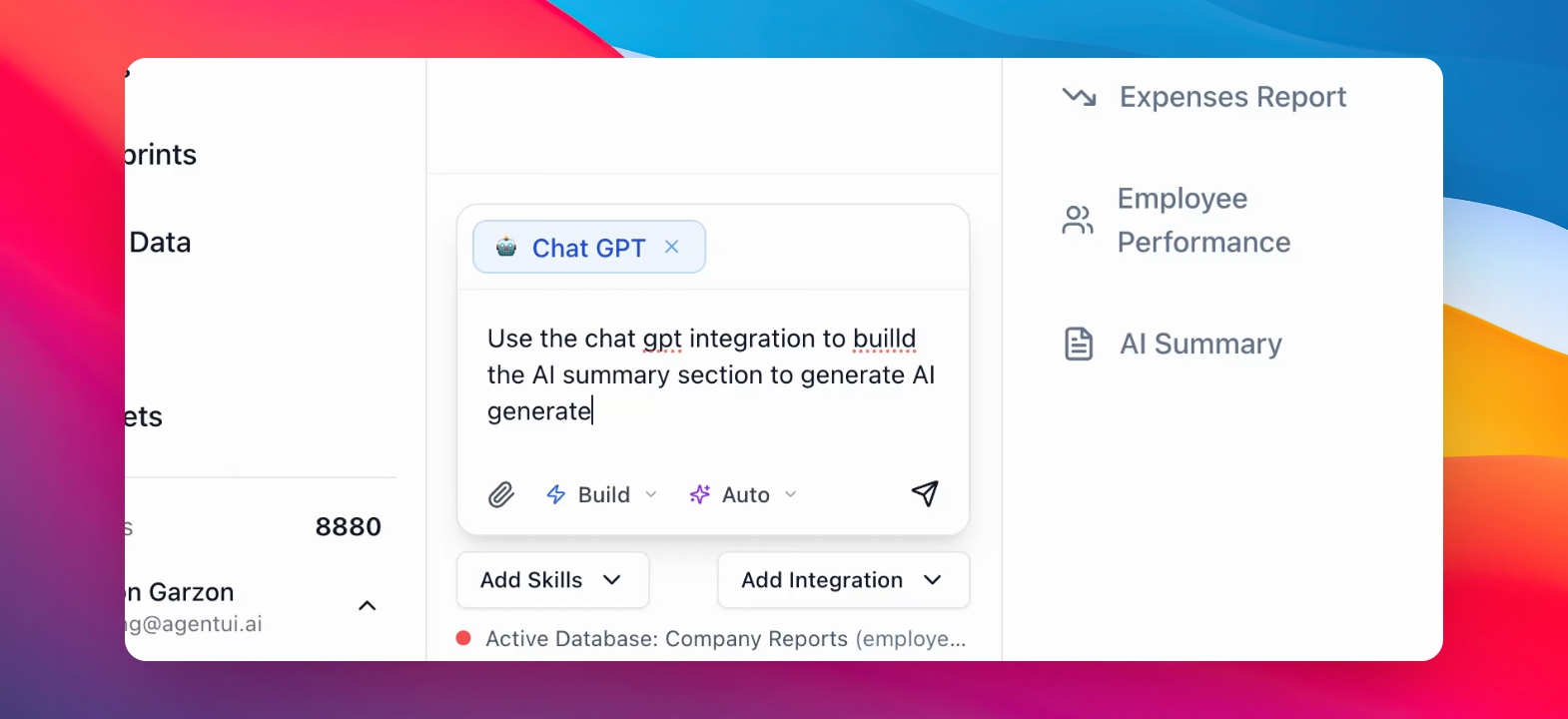
Step 3: Specify Usage Instructions
Define exactly how you want the ChatGPT integration to function in your app.
Instructions are set for the AI, like in the example below. This way, the AI knows how to work on your app.
Step 4: The AI sends your Prompt to Chat GPT and answers you.
The AI understands exactly what you want and sends your prompt to Chat GPT.
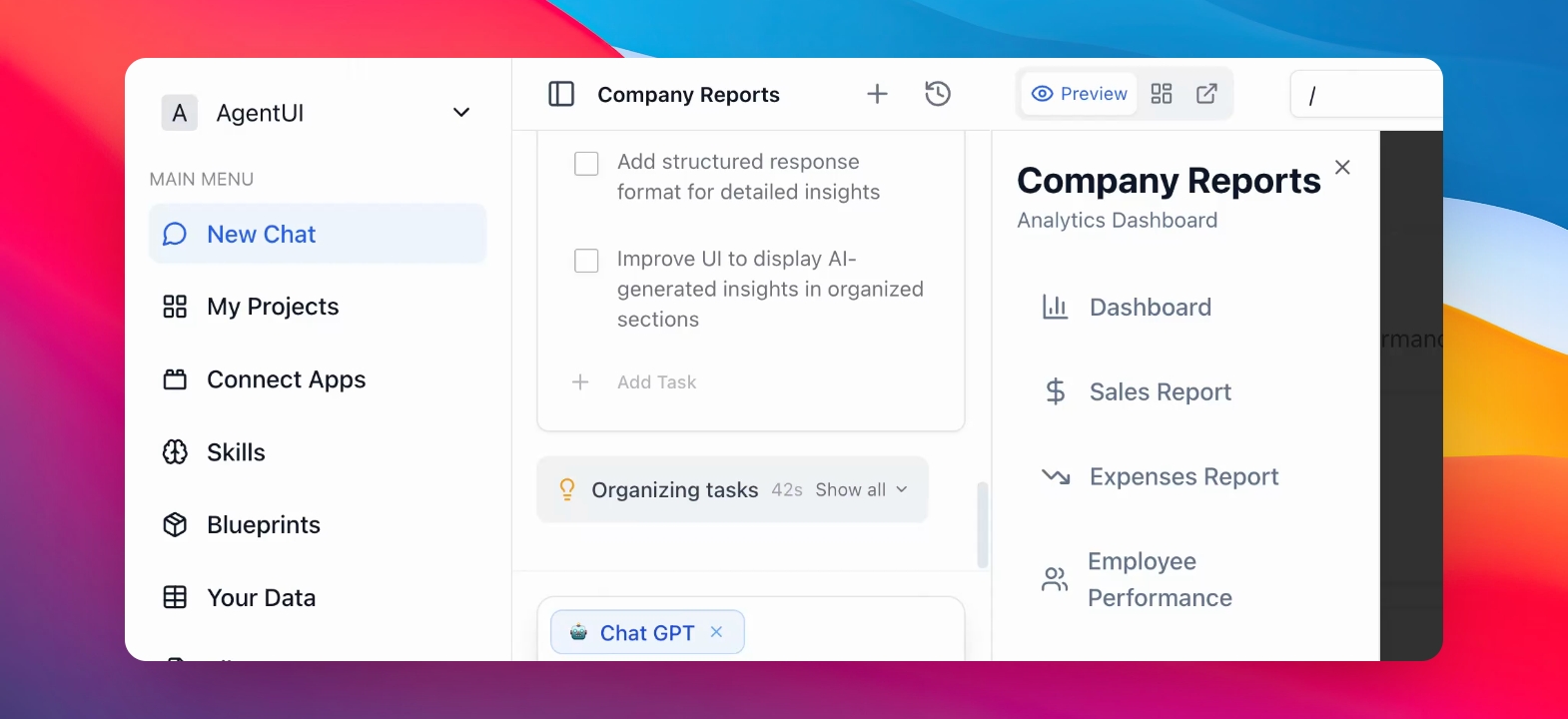
Step 5: Generate the Analysis.
In the preview section, click on "Generate AI report." This way, the tool connects to Chat GPT, and starts generating the summary.
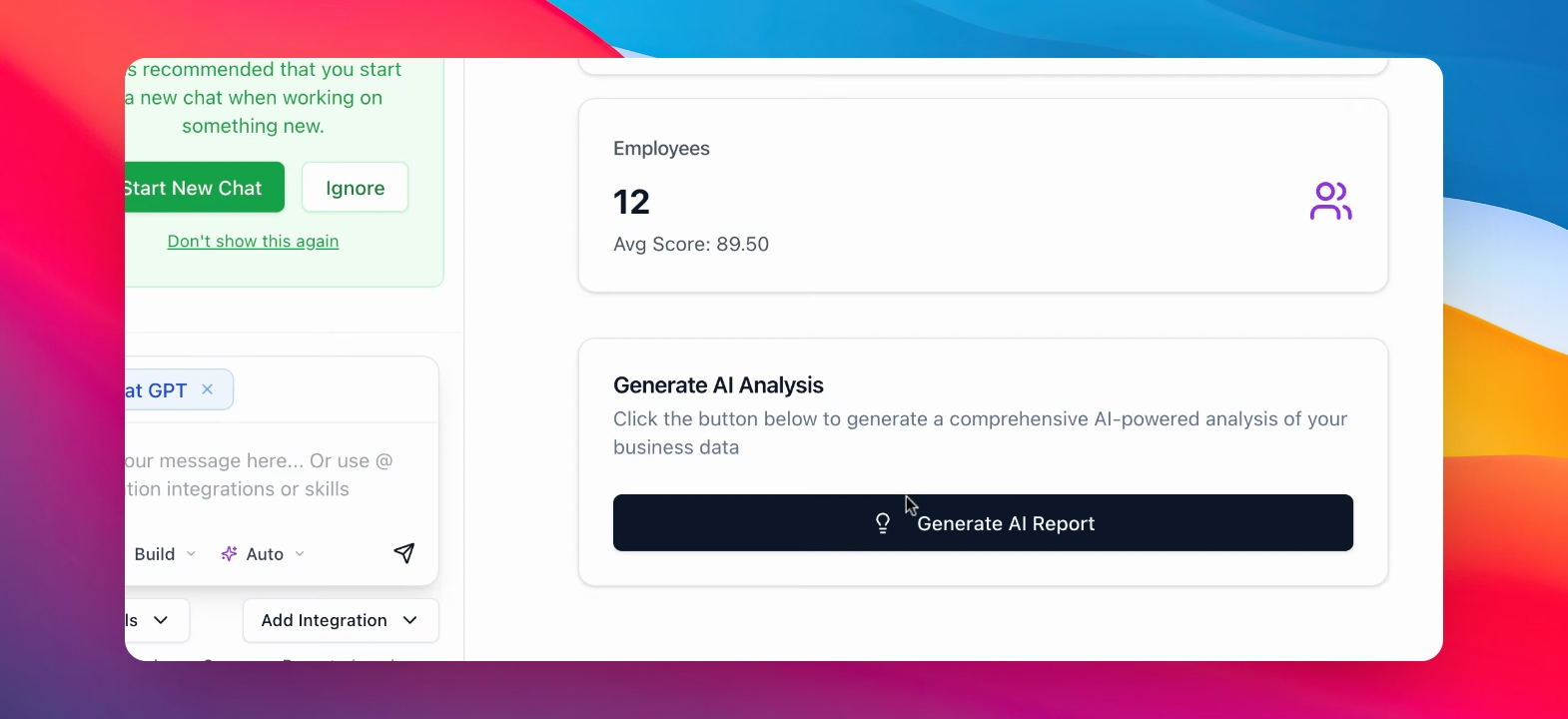
Step 6: See the results.
Just like that, you can see the clean and exclusive report, all thanks to the integration of Chat GPT in your app.