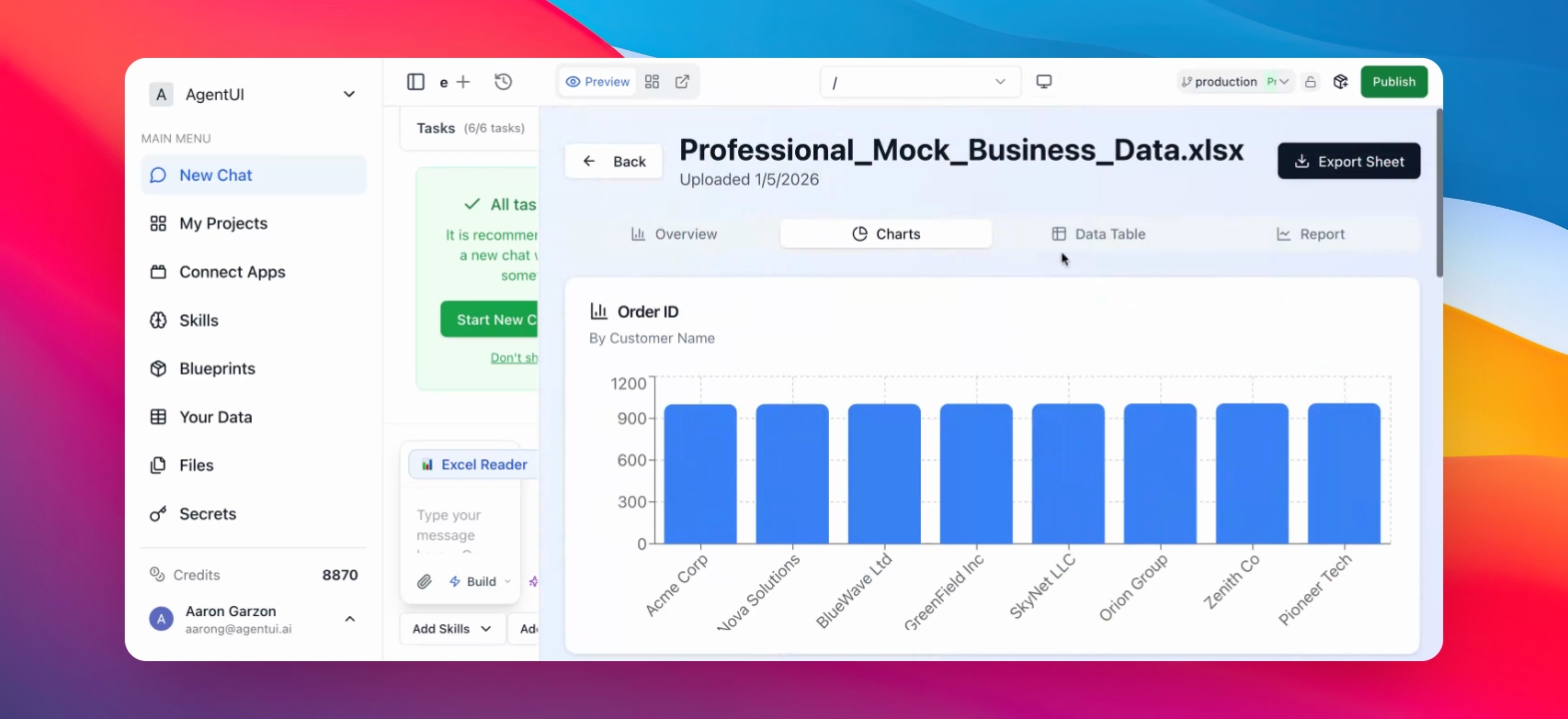
Step by step guide
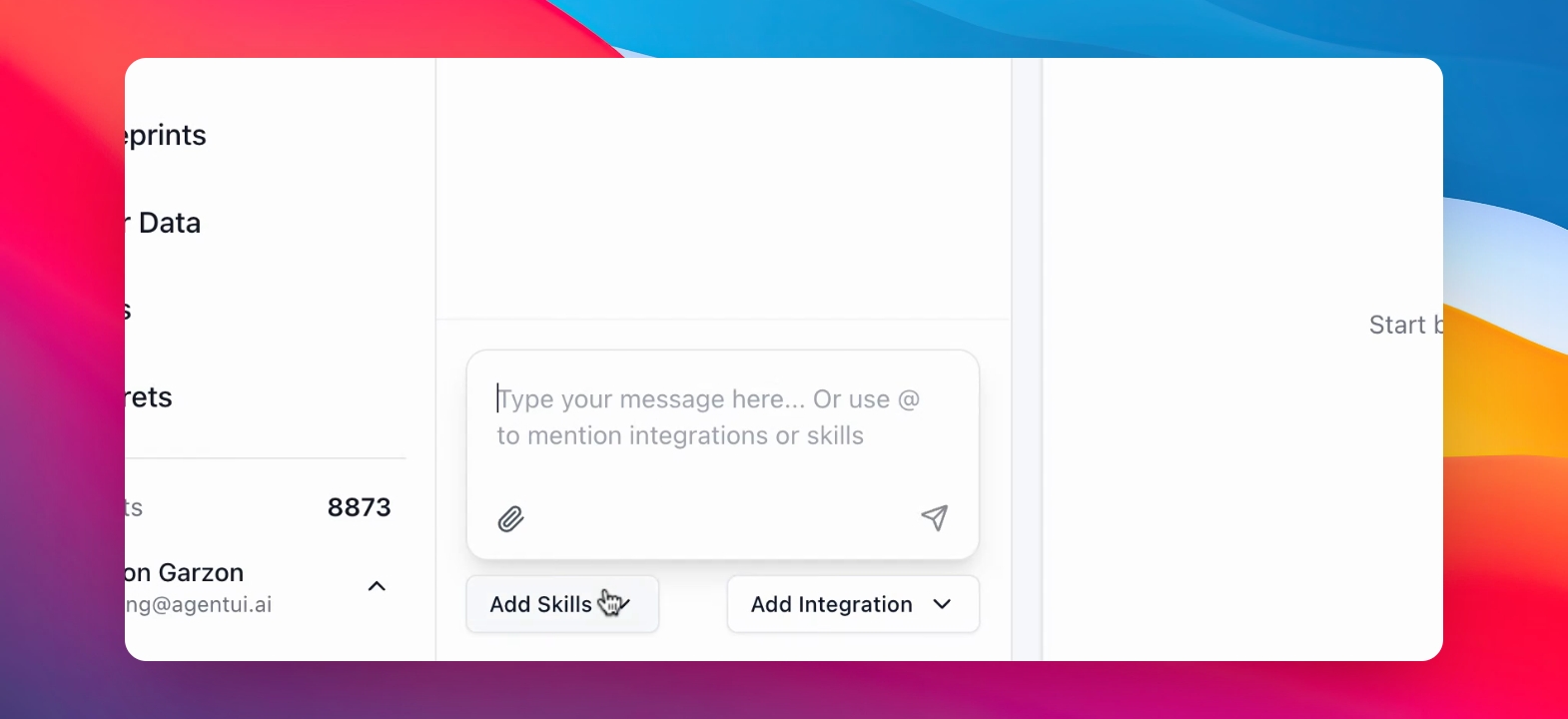
Step 1: Access to Add Skills
The Add Skills menu opens. Here you find all the Skills that Agent UI offers you.
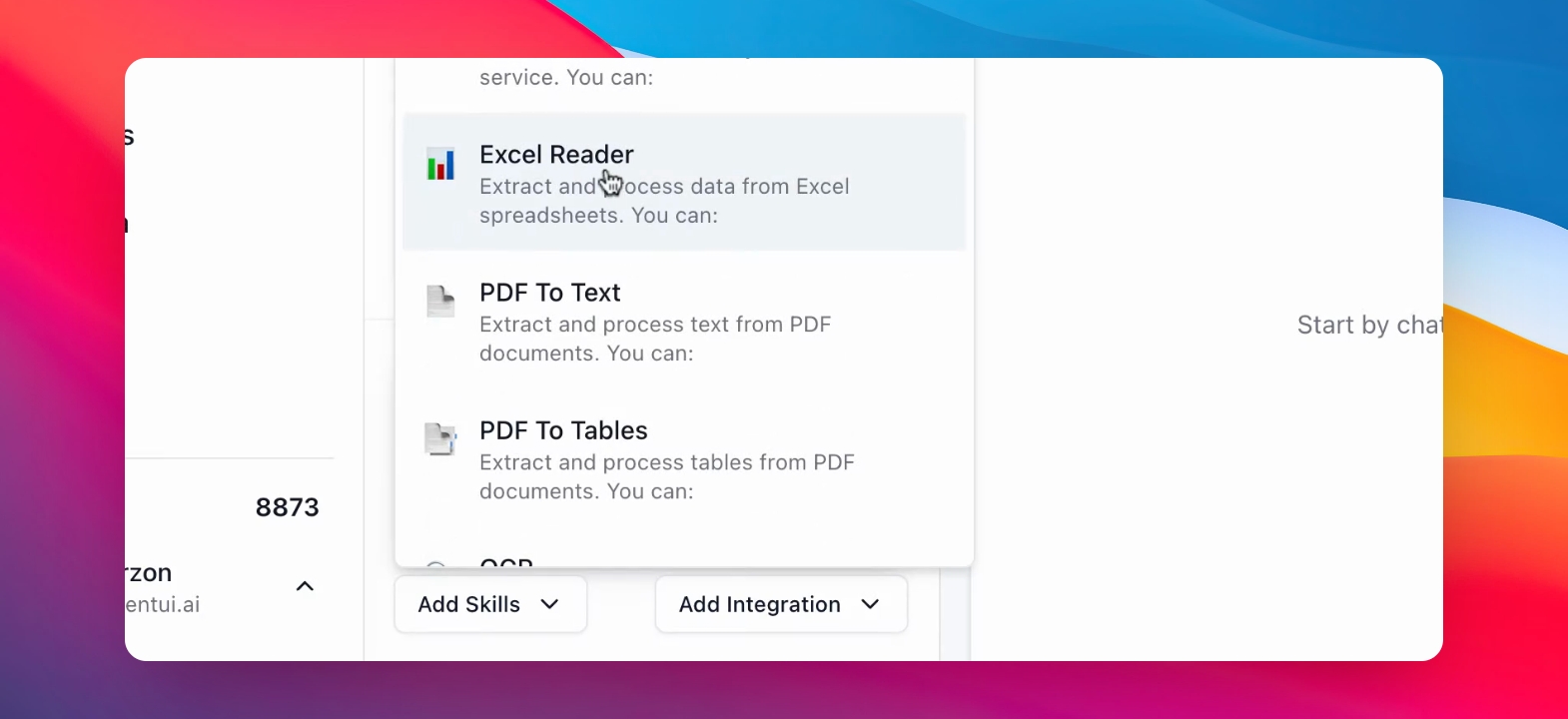
Step 2: Find Excel Reader Skill
Locate the Excel Reader skill by scrolling down.
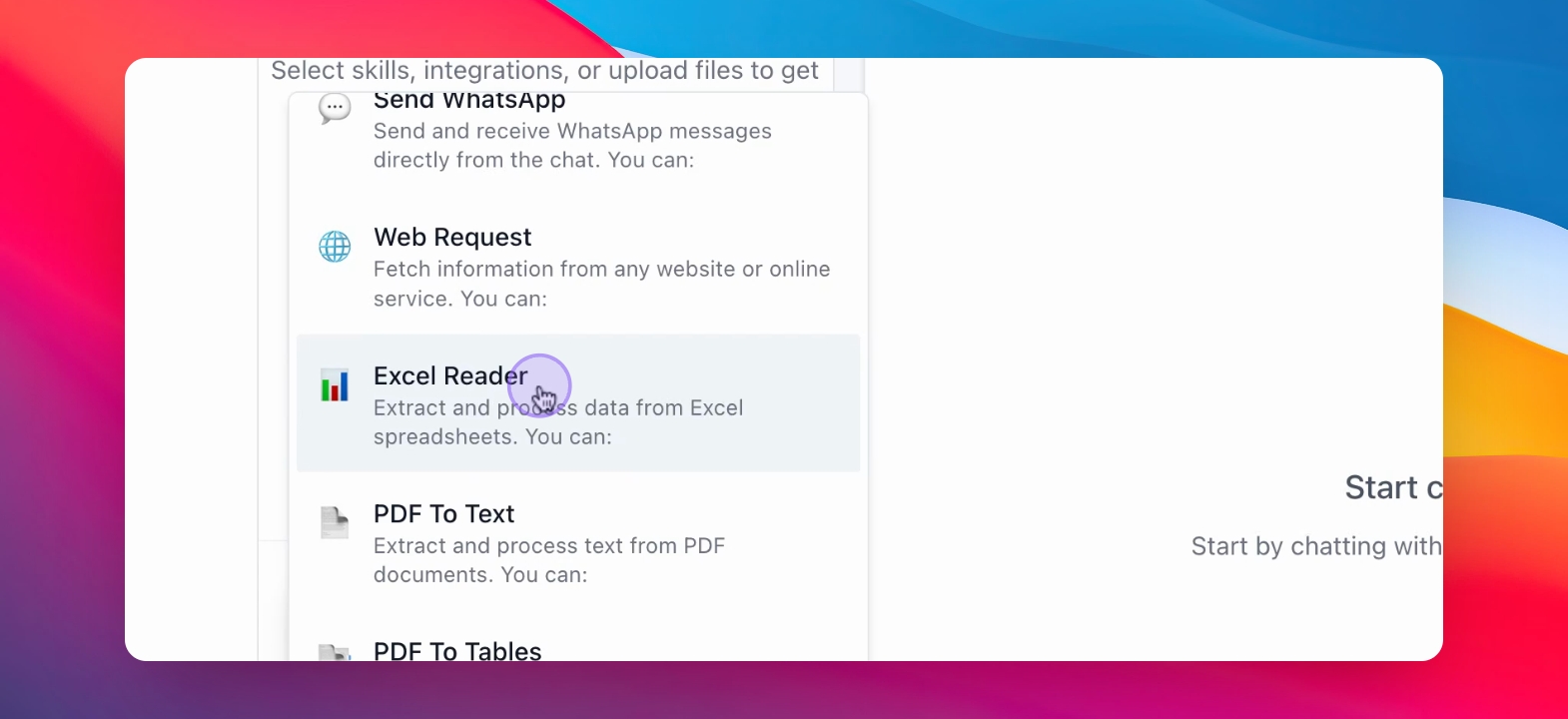
Step 3: Click on Excel Reader
The Excel Reader skill is now available for use.
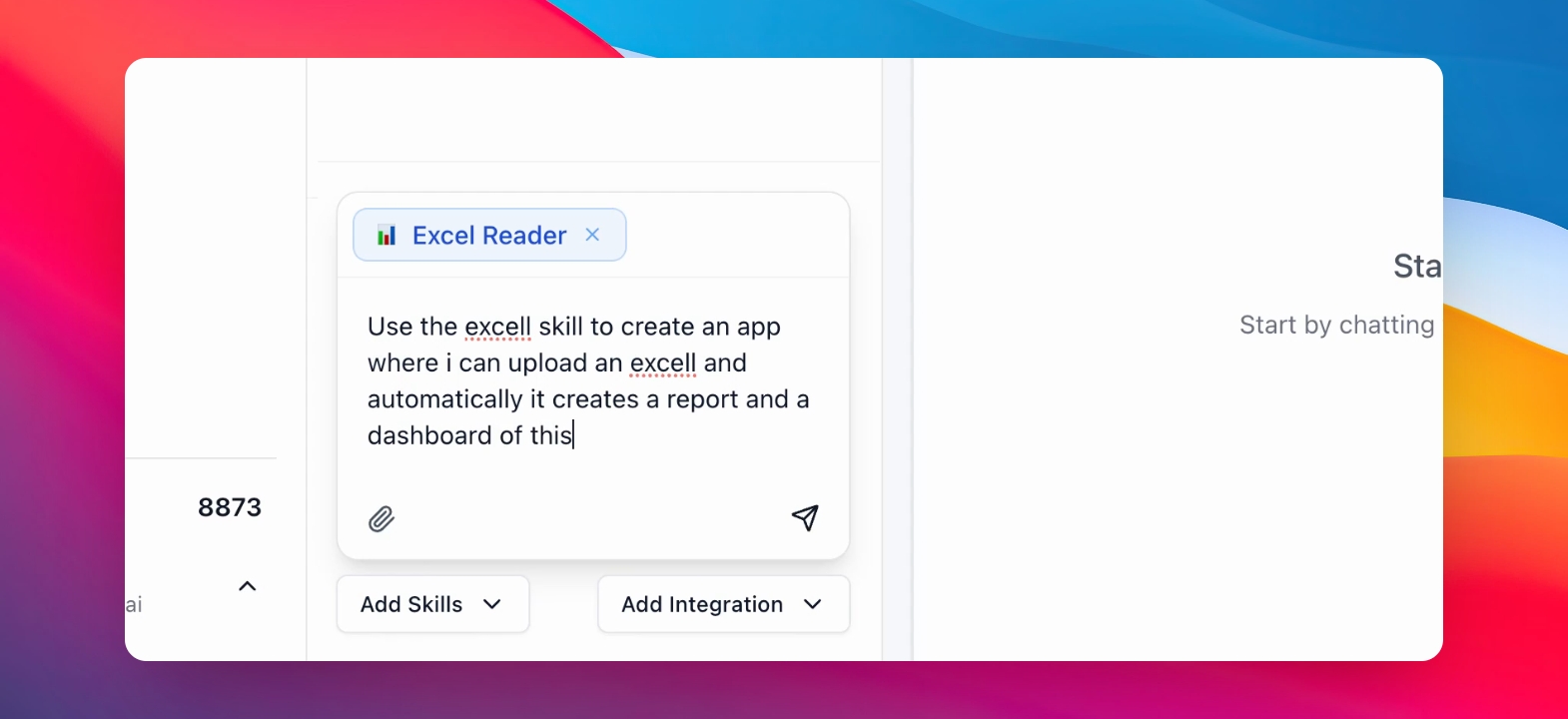
Step 4: Prompt AI for App Usage
Specify how to use the Excel Reader in your app with the chat, like the example in the image below.
Step 5: Upload Excel File
Press on the Excel file to upload it.
The Excel file is now being read by the system. Afther that, the AI starts to build your App.
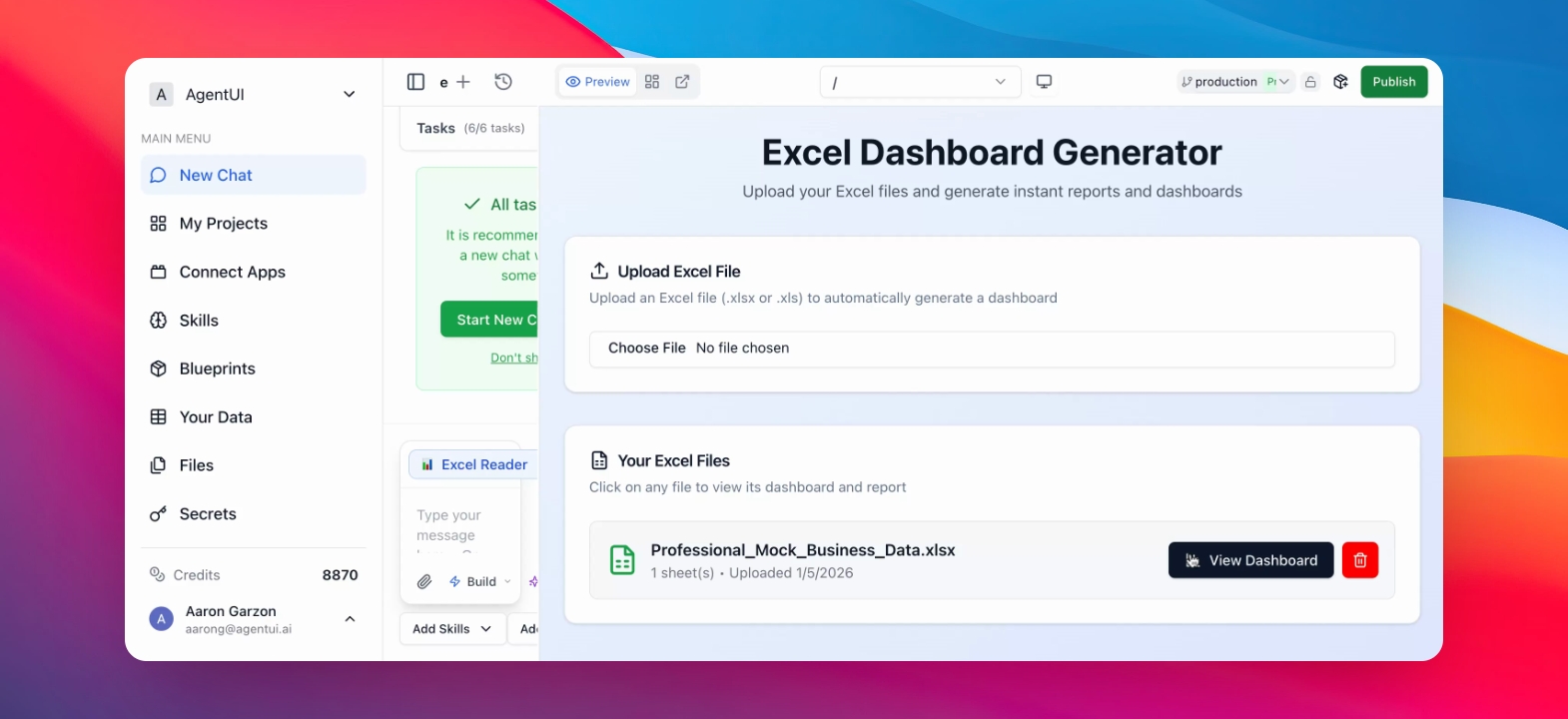
Step 6: View Dashboard
Check the dashboard for your visualized Excel data.
The dashboard displays various charts and reports based on your Excel file.