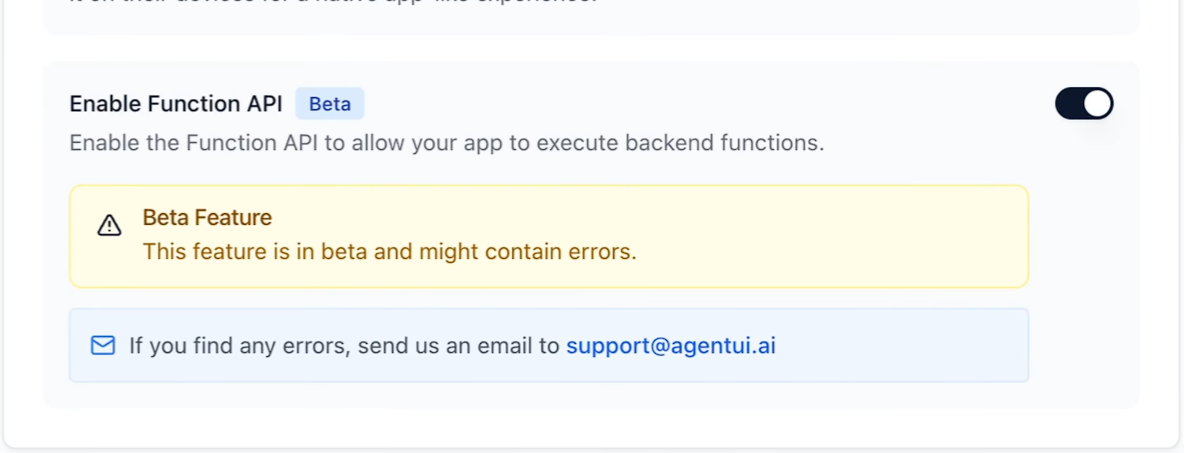
Step 1: Enable Function API
To start, open the application that contains the logic or data you want to share. Navigate to the "Settings" section and activate the "Enable Function API" feature.
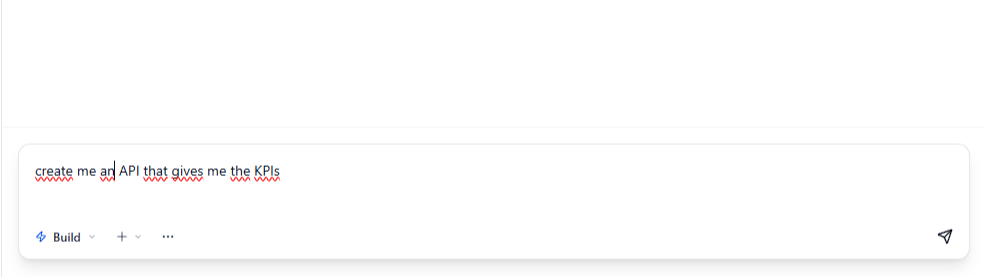
Step 2: Request an API Function
Use the Chat to ask the AI to create an API function. For instance, you can type: "Create an API function that returns the KPIs." in the chat.
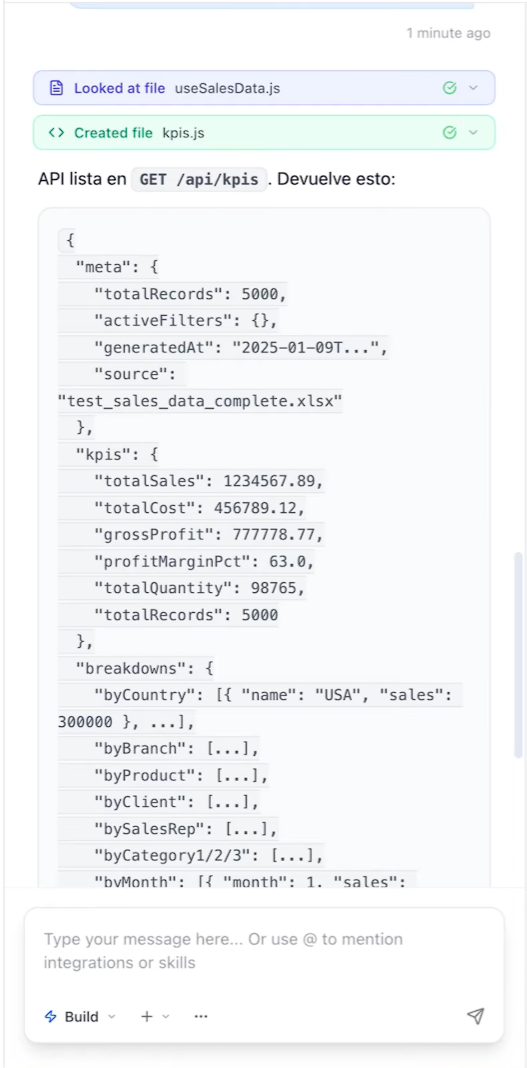
Step 3: Wait for AI to Program the Logic
The AI will process your instruction and automatically write the necessary code for the API. This function will encapsulate the business logic so it can be carried over to other projects.
Step 4: Switch to the Target Project
Navigate to the main menu and select the project or application where you want to implement the shared information.
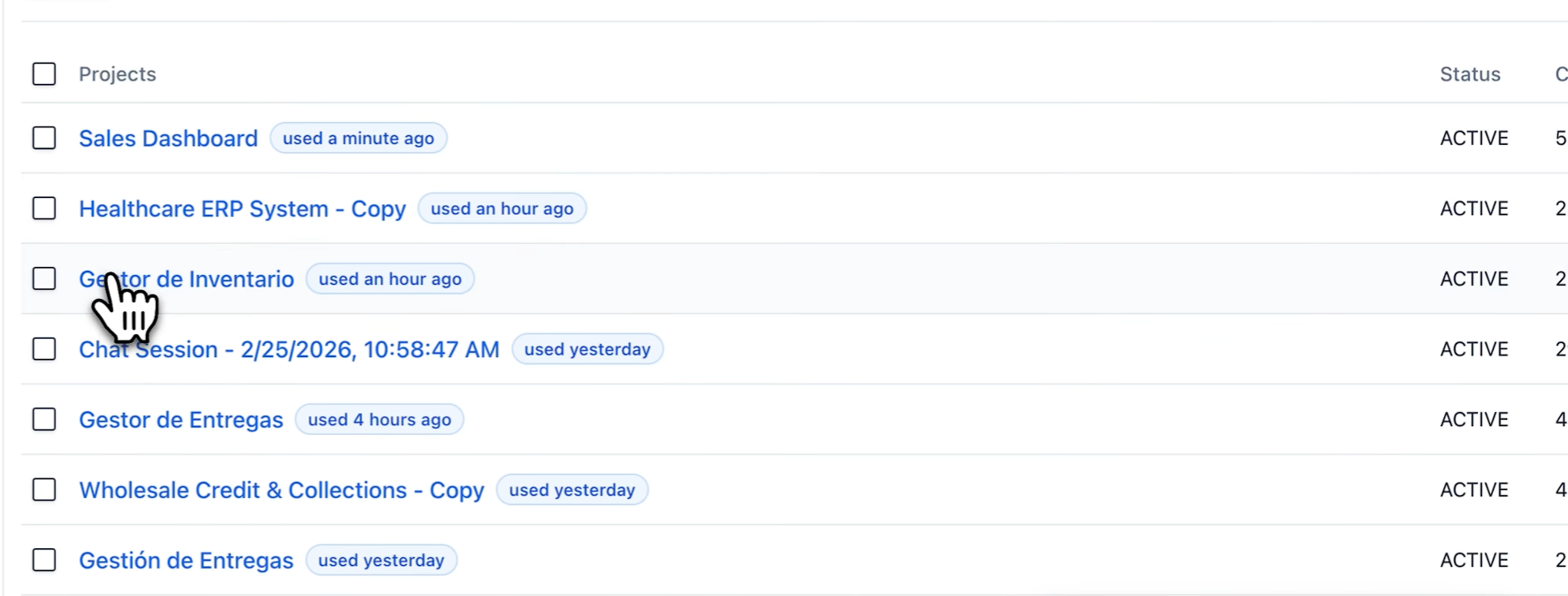
Step 5: Link Shared Functions
In the target app, type @ to find the "Shared Functions" section. From the list, select the source application that contains the function you created. Now, in the "Function Sharing" (In the Dashboard) you can see the shared function.
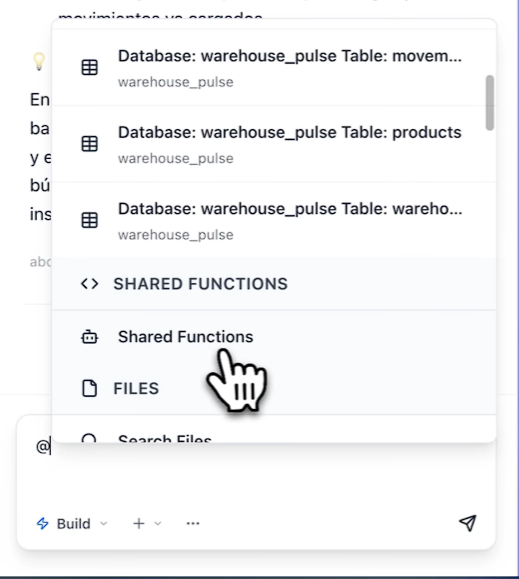
Step 6: Instruct the AI to Use the Function
Tell the AI to use the newly linked function and display the information. The AI will call the API from the other application to retrieve the data. You can tell the AI that it creates a home page to view the data shared by the API.
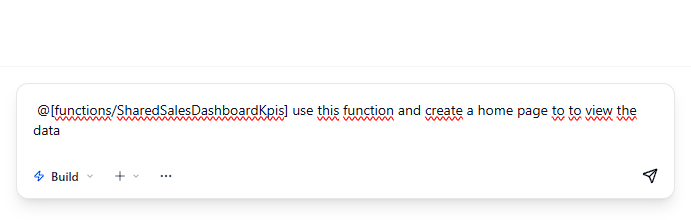
Step 7: Refine Data Visibility
If the information does not appear correctly at first, explain the issue to the AI. It will analyze the API's data structure and adjust the call to ensure the results are displayed properly.