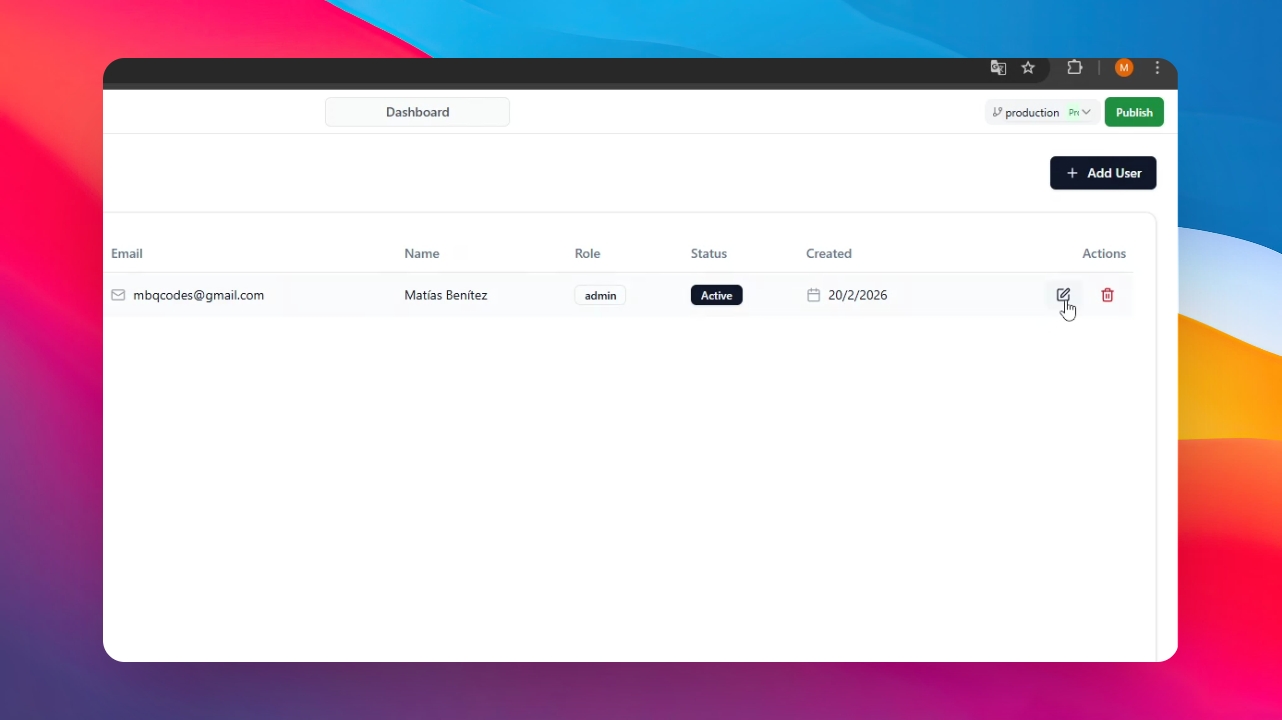
Step 1: Open Your Application.
Open the application where you want to manage users or change passwords.
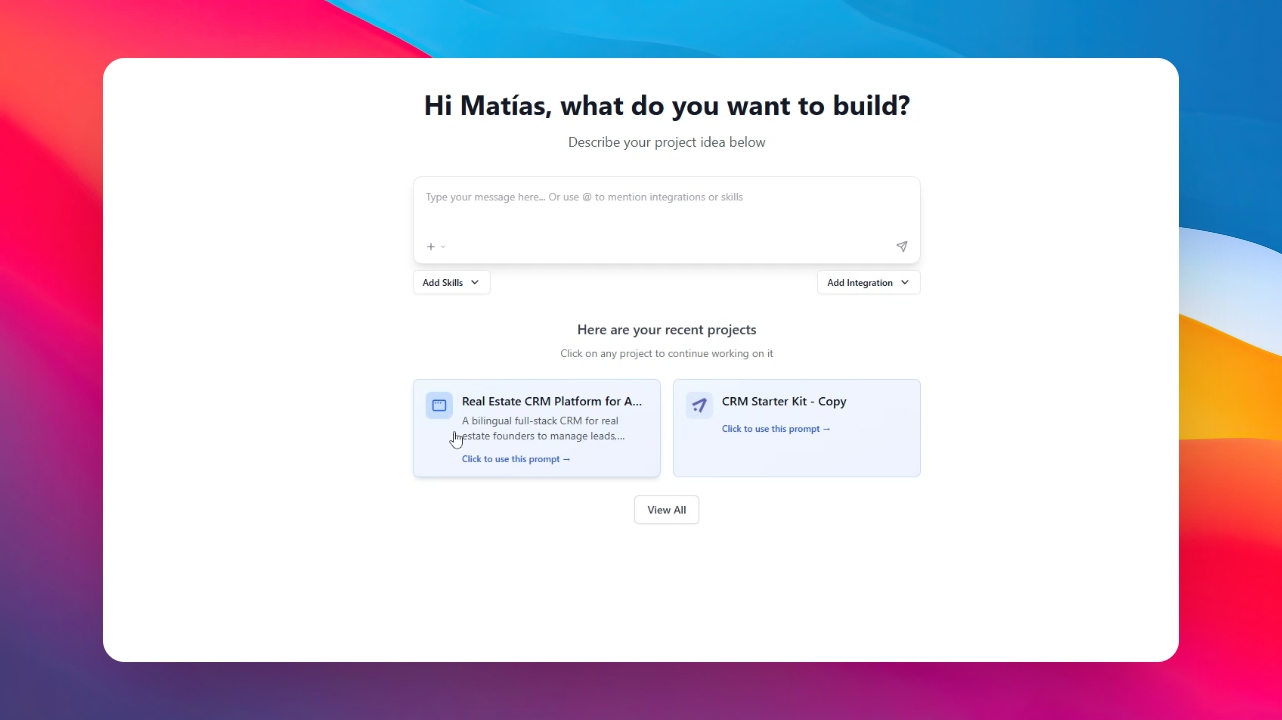
Step 2: Go to Users Section
Now, click on the Dashboard Icon and go to the Users Section. Here you can find all the users of your app and their data. Also, you have a button to add users if needed.
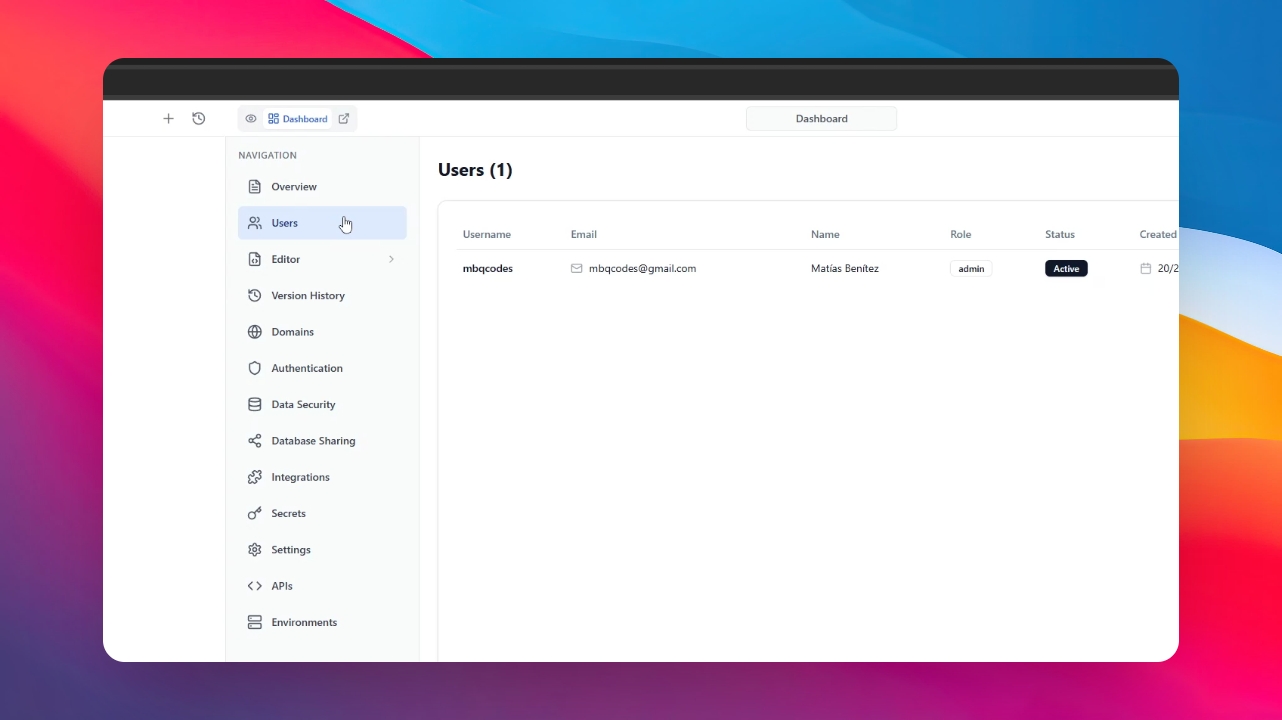
Step 3: Update Information and Change the Password
Click on the icon next to the user information. A menu will open where we can enter or change the user's information, including the password.