

Step 1: Open the Sign-In Screen
Go to the Agent UI login page, or Sing Out your profile. You will notice there is no field for a password—this is because the platform uses secure, passwordless authentication.
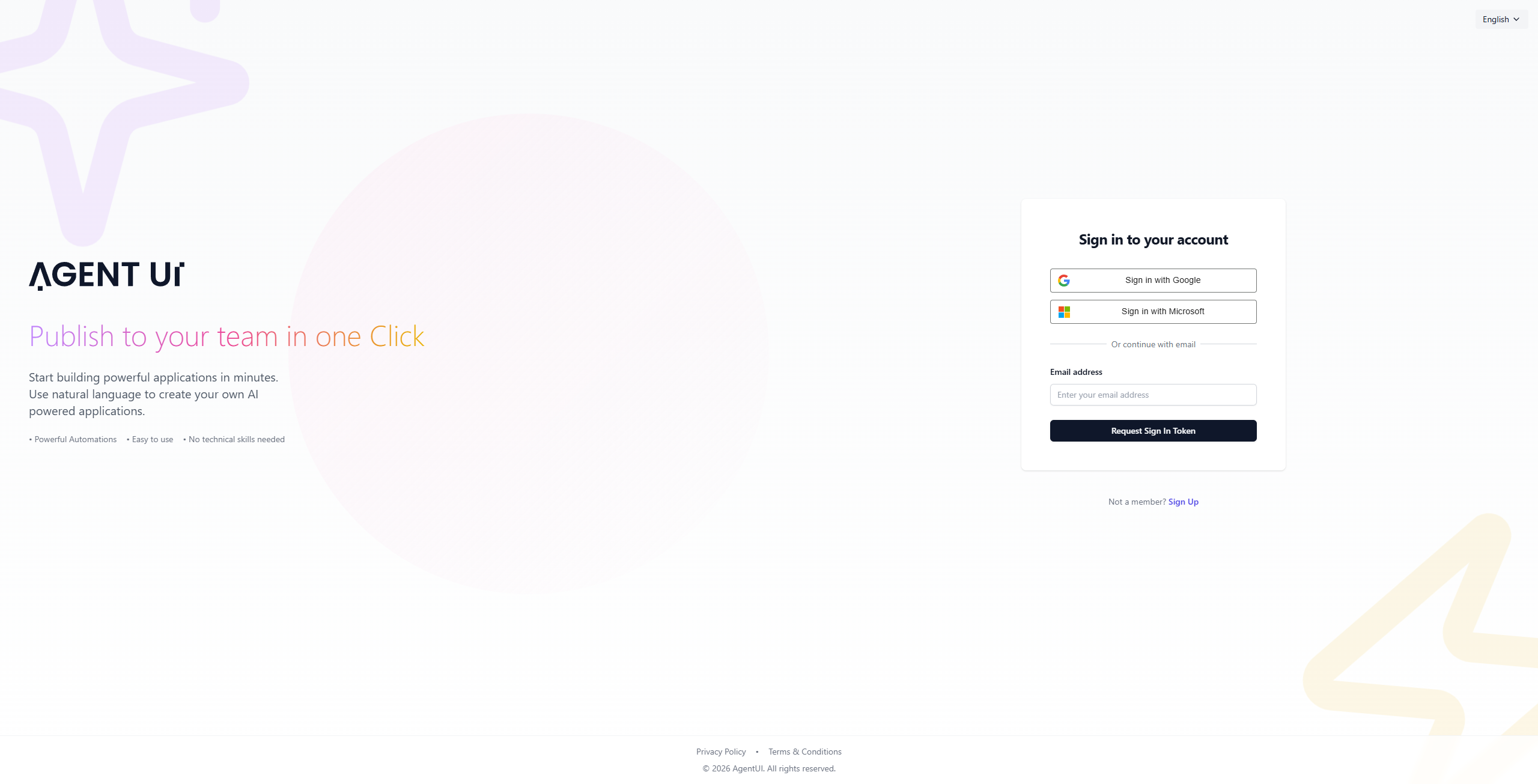
Step 2: Option A - Sign in with Google
If your account is linked to Google, click on "Sign in with Google". A pop-up will appear allowing you to select your preferred Google account to log in instantly.
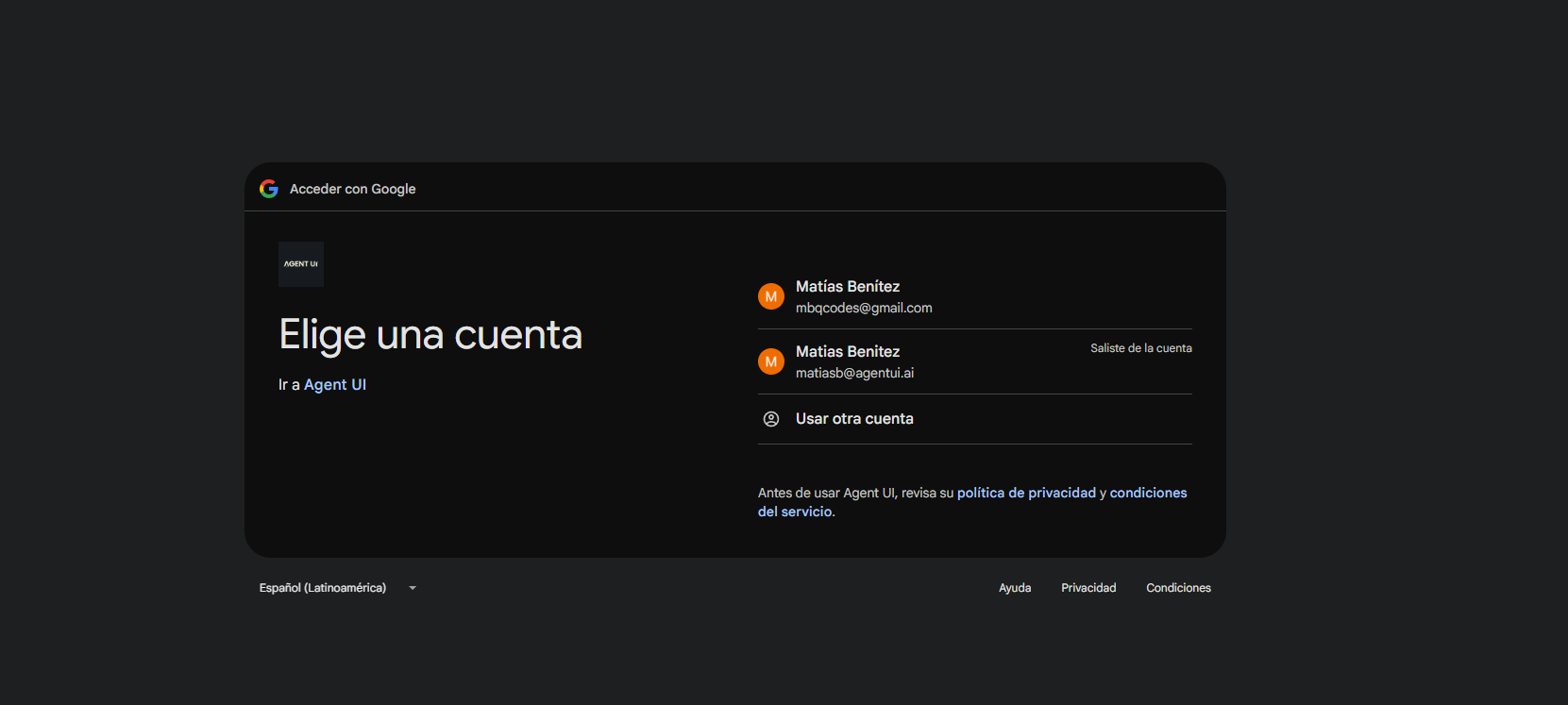
Step 3: Option B - Sign in with Microsoft
Alternatively, you can select "Sign in with Microsoft". Simply enter your Microsoft credentials in the secure portal to grant access to your Agent UI dashboard.
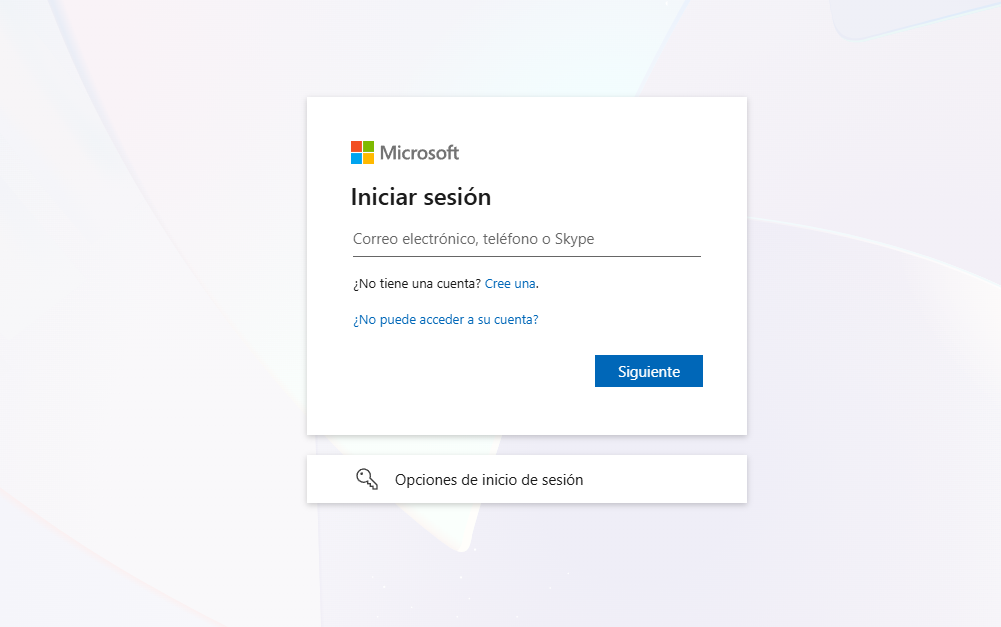
Step 4: Option C - Request an Authentication Token
If you prefer using your email directly, type your address in the "Email address" field and click on the "Request Sign In Token" button.
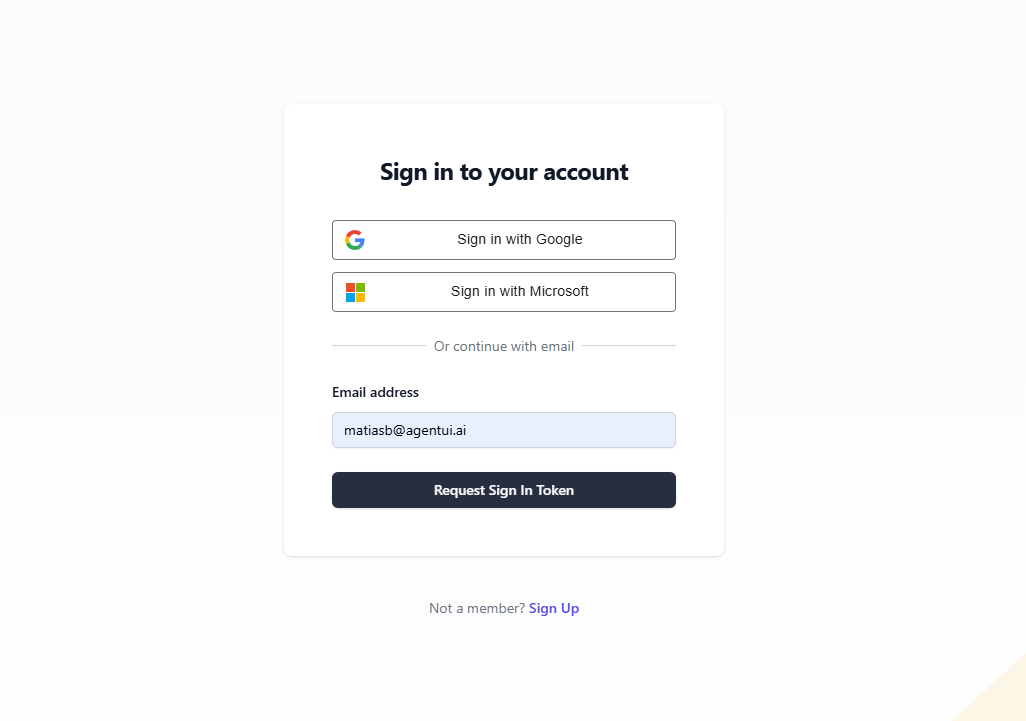
Step 5: Check Your Email
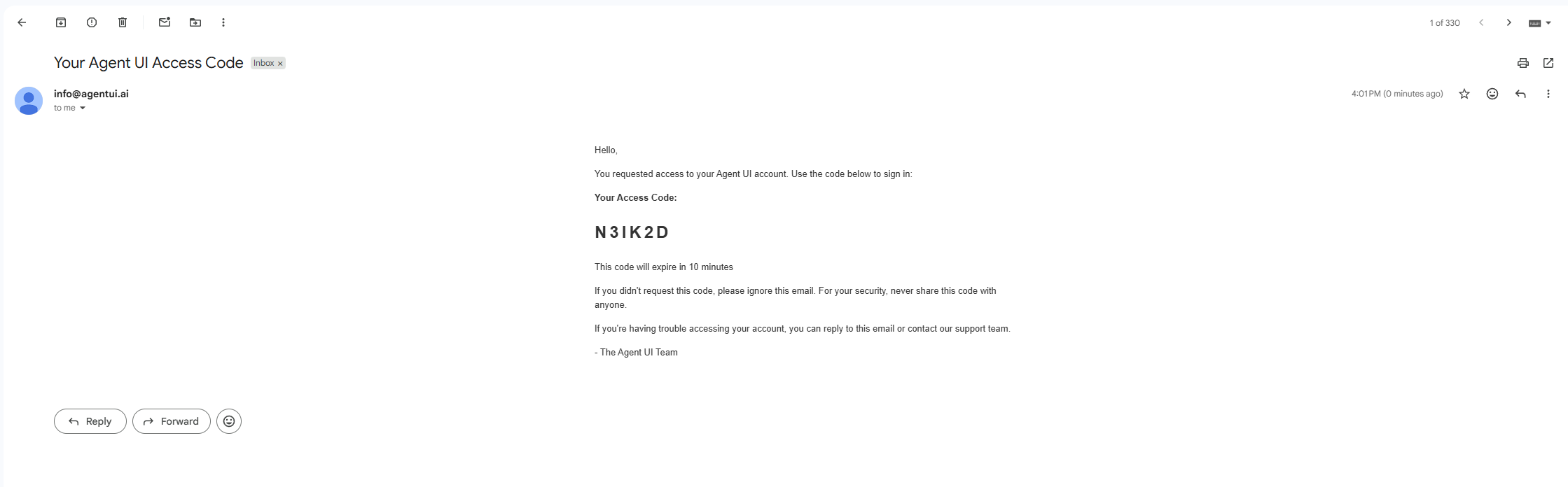
Open your inbox and look for an email from info@agentui.ai with the subject "Your Agent UI Access Code". Inside, you will find a unique 6-digit Access Code (Token). Keep in mind this code usually expires after 10 minutes.
Step 6: Enter the Token and Sign In
Return to the Agent UI tab, enter the code in the "Authentication Token" field, and click "Sign In". You are now ready to continue building!