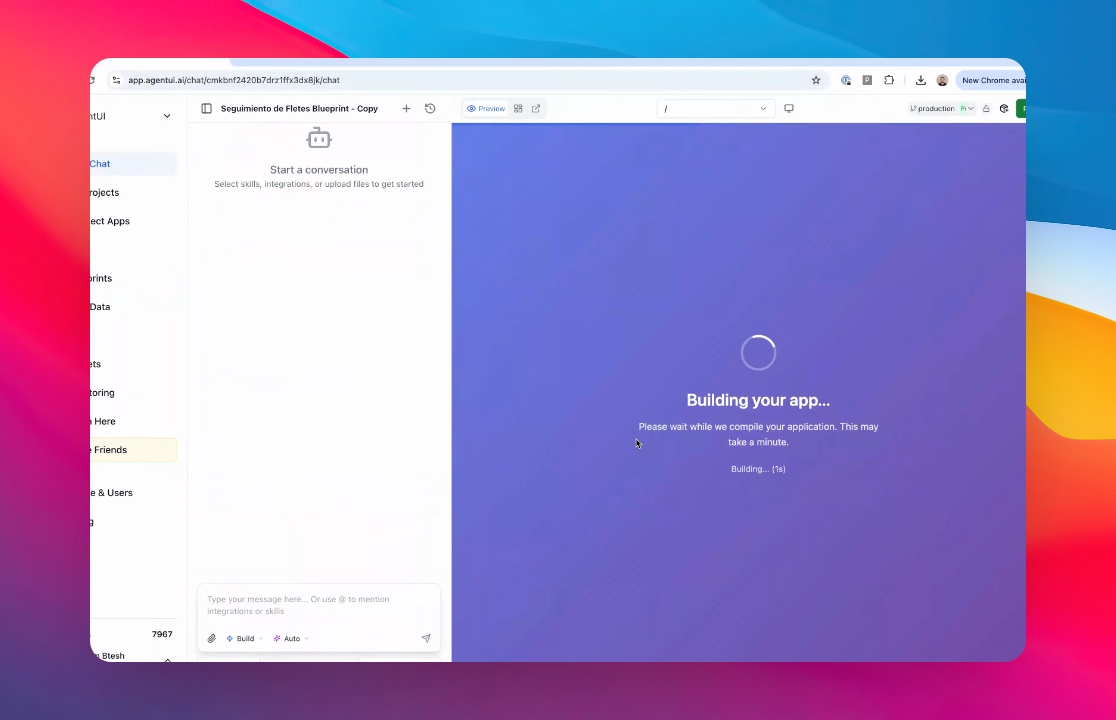
Let's do it together!
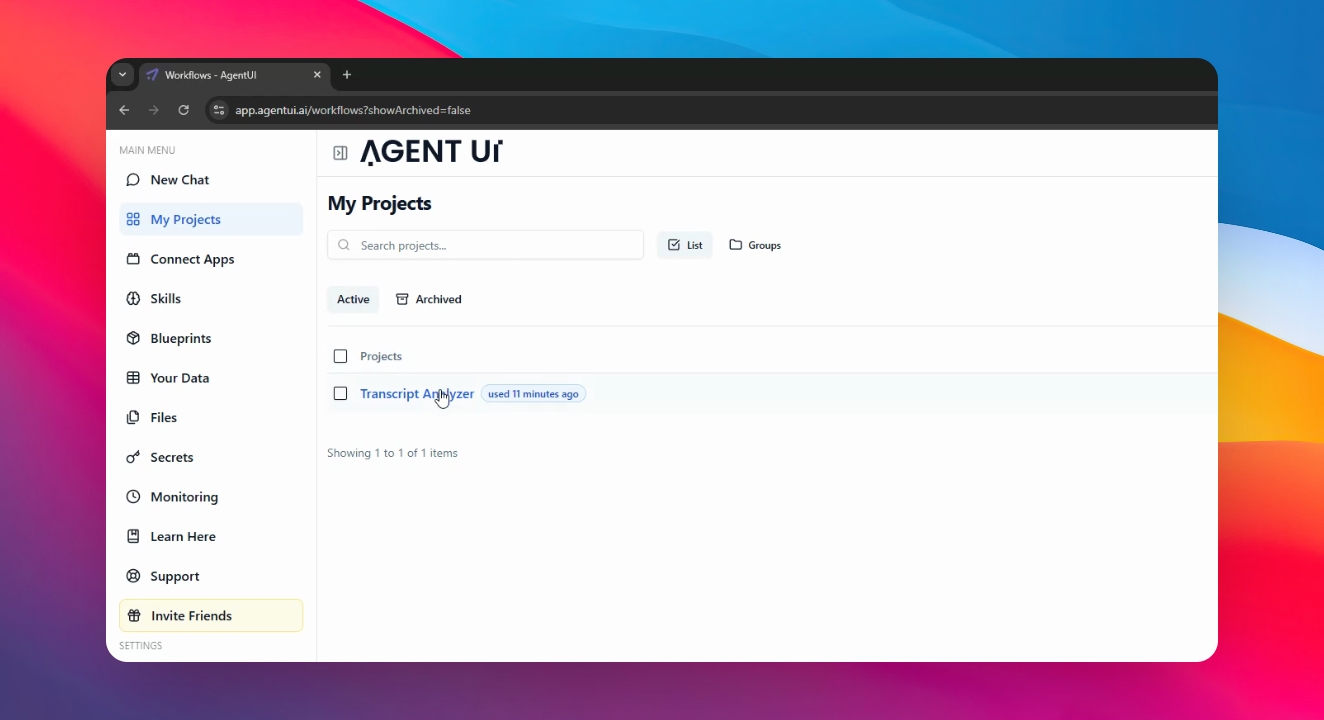
Step 1: Go to your app
In the Main menu, go to "My projects" and click into the app you want to copy.
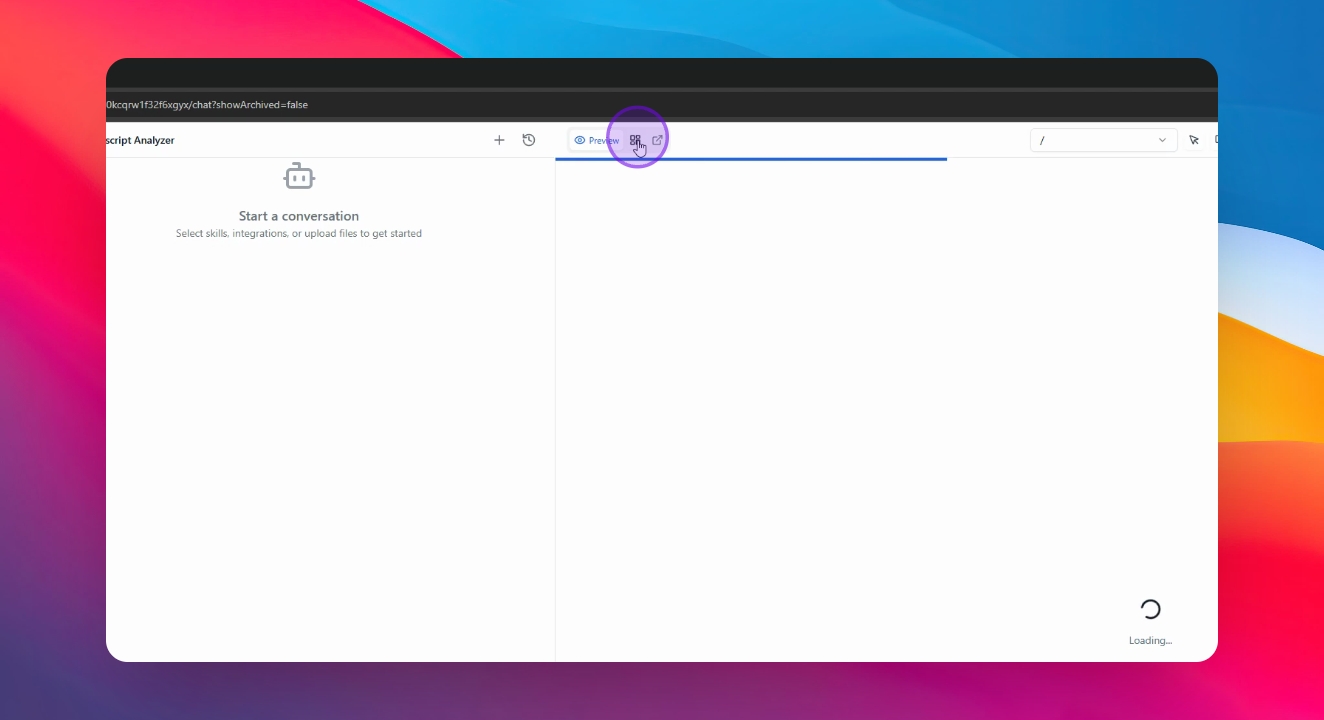
Step 2: Click the Dashboard Icon
Click the icon in the right-center of the screen to enter the Dashboard
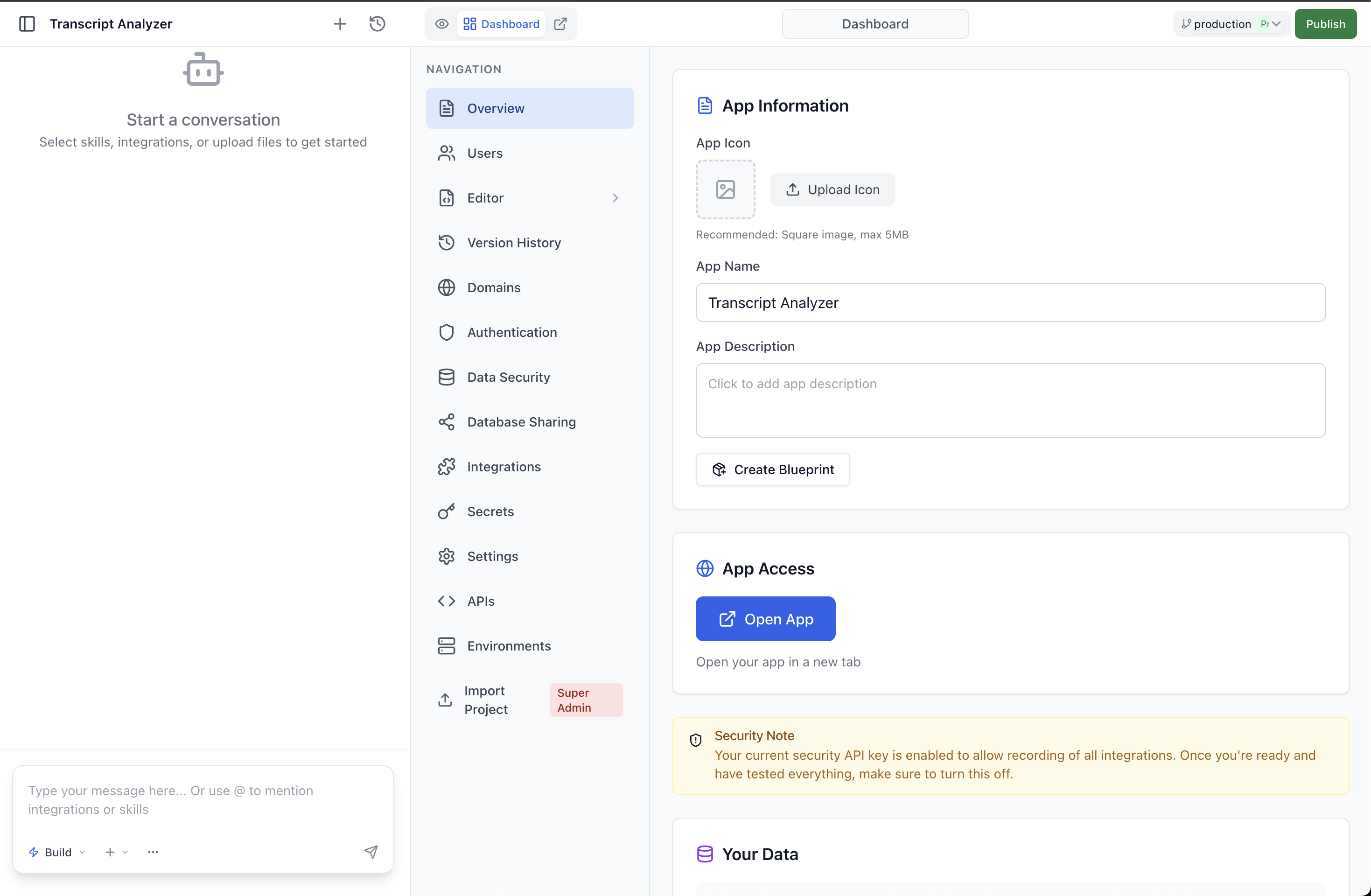
Step 3: Click the Create Blueprint icon
Click on the option to create a new blueprint.
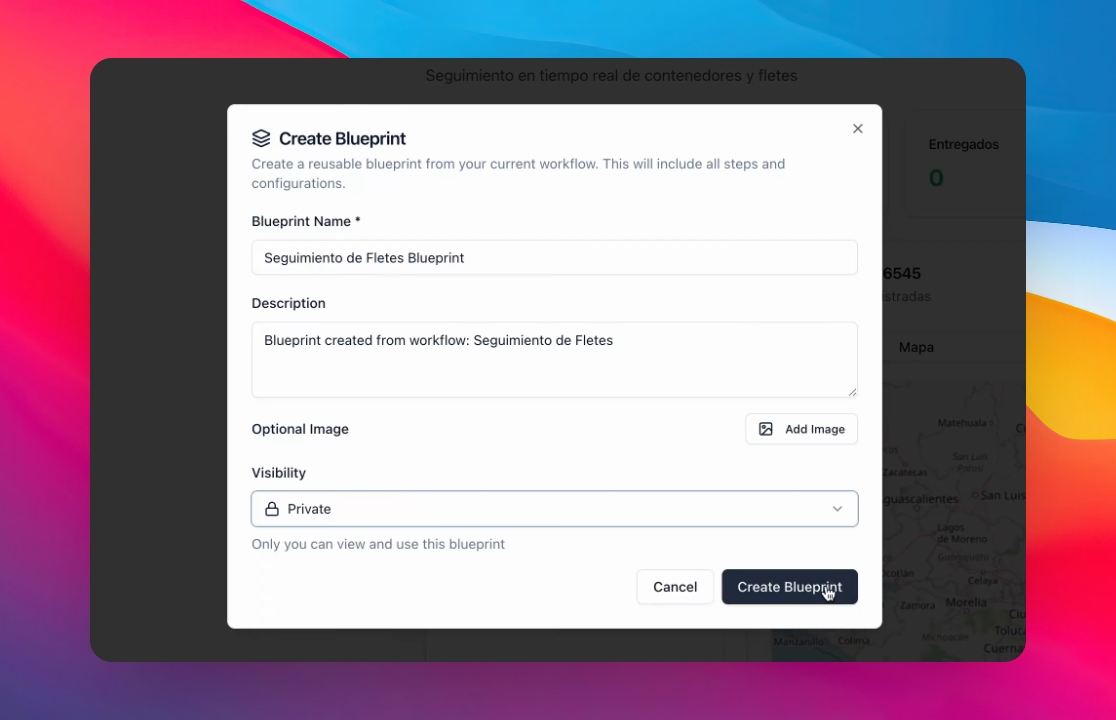
Step 4: Set Blueprint Visibility
Add the name, description, and image; set the visibility, and click Create Blueprint.
Step 5: Now, let's create the Copy of your App.
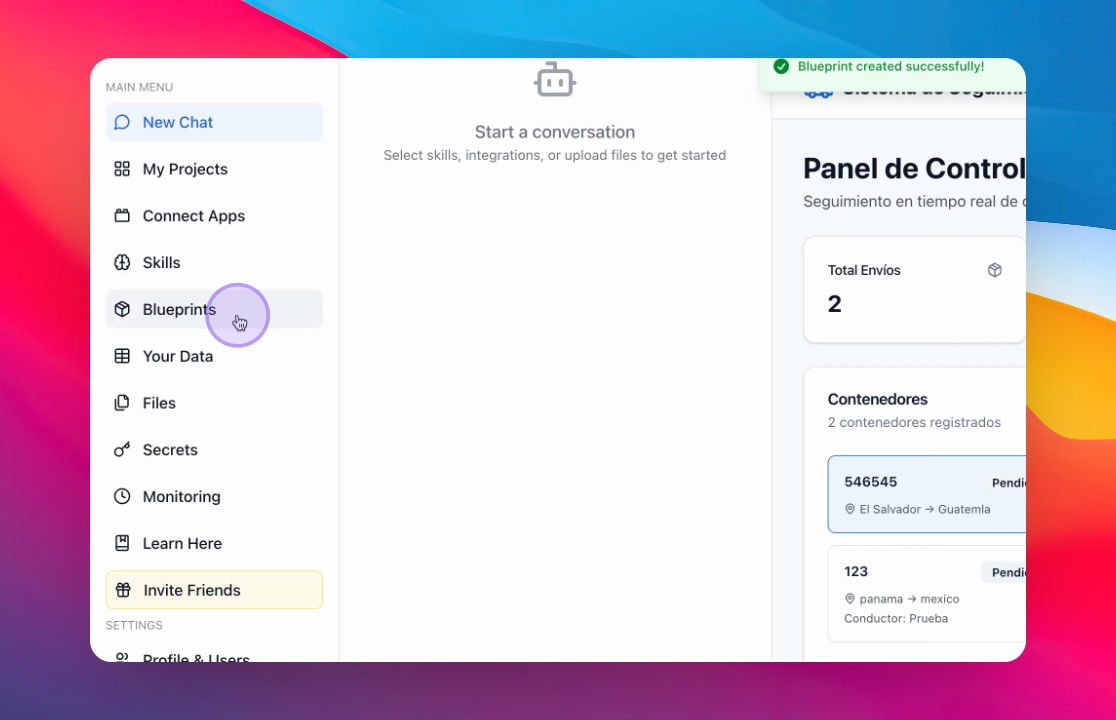
Wait for the AI to create the Blueprint, and after click Blueprints in the main menu.
Step 6: Click "Create Workflow"
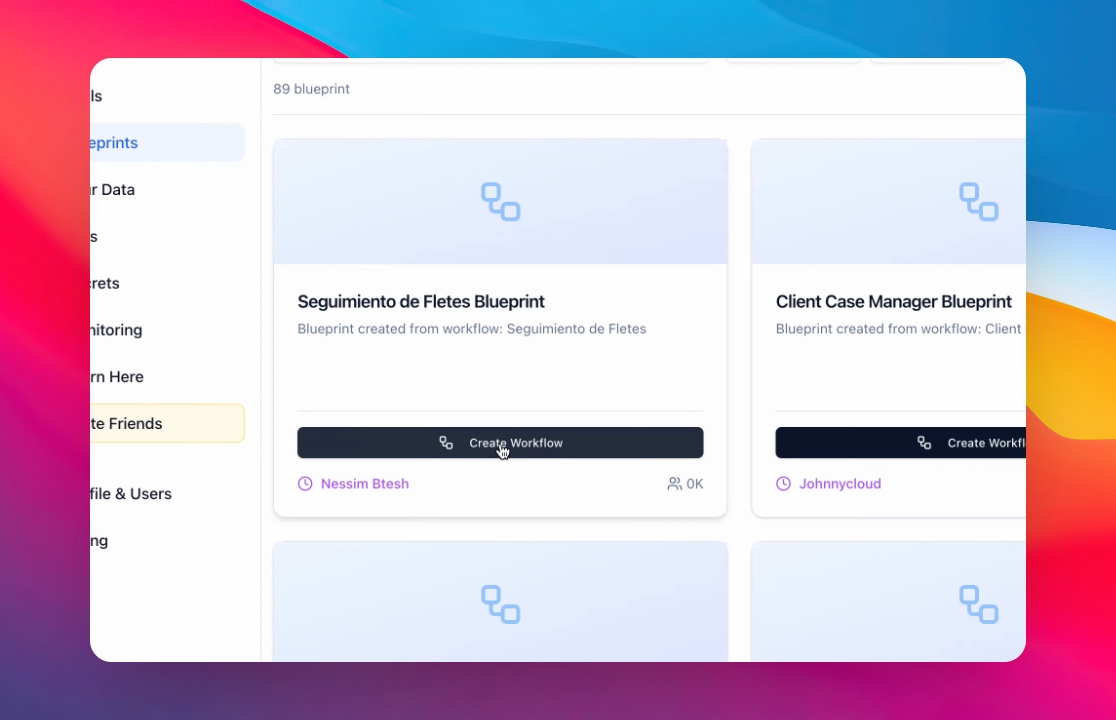
Find your new Blueprint, and click "Create Workflow" twice.
Step 7: Wait until your copy is finished.
The system will automatically create a copy of the app that you need.