

Step 1: Verify the Banner
This article refers to the banner that appears in your App.
Step 2: How to remove it.
This banner appears only in free plans. To remove it, you can go to the "Billing" section and select a paid plan.
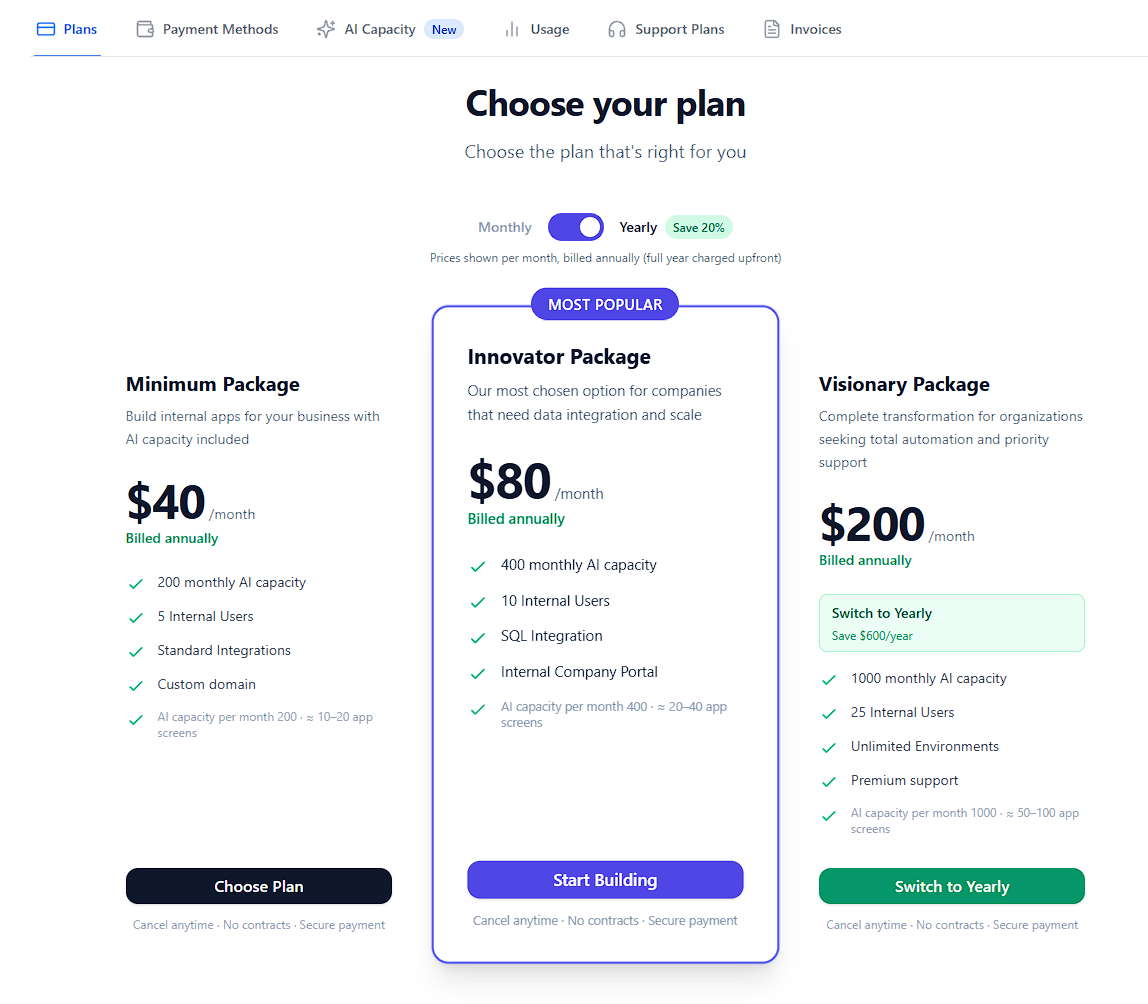
Step 3: The banner disappears.
Once you contract a paid version of AgentUI, the banner in your app will disappear.