

Welcome to this video. Today we explore how the internal portal allows your teams to work smarter and more organized.
The internal portal is the heart of the user experience in Agent UI. Think of it as a secure, centralized hub where all the apps and dashboards you've built are hosted.
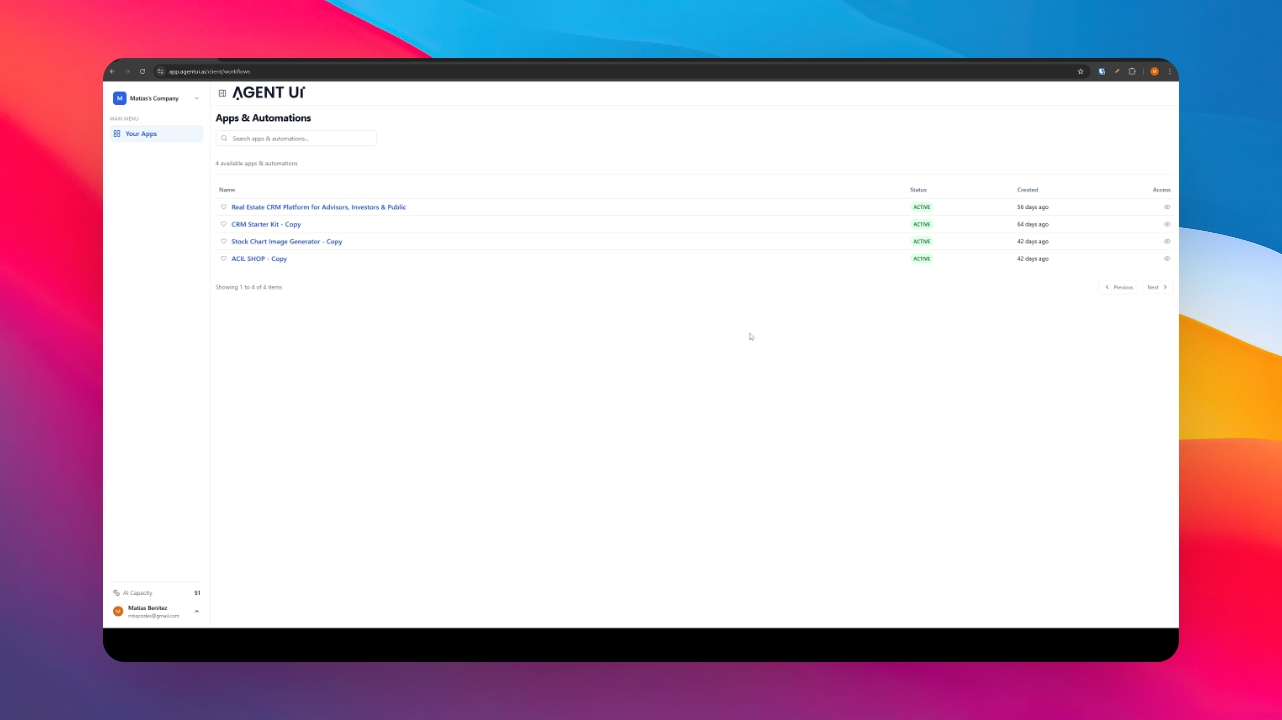
Instead of sharing isolated links, the portal allows your collaborators to find every tool they have permission to use in one single place, maintaining a clean and professional workspace.
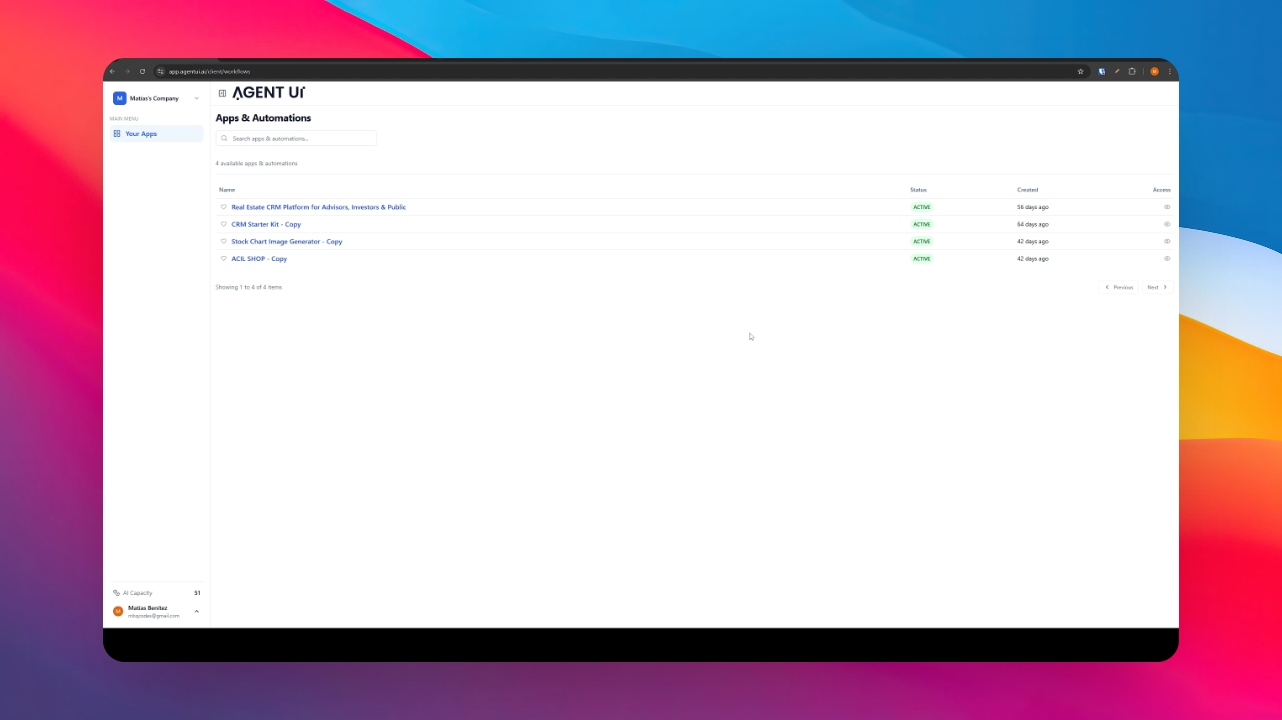
When you publish an app, you can define exactly which groups or teams within your company can see it. This ensures that departments like Sales or Operations only see the tools relevant to their specific roles, optimizing navigation and data privacy right here.
Create a Group or Add a User
To create a group or add a user, you can go to the Profile section Users Groups.
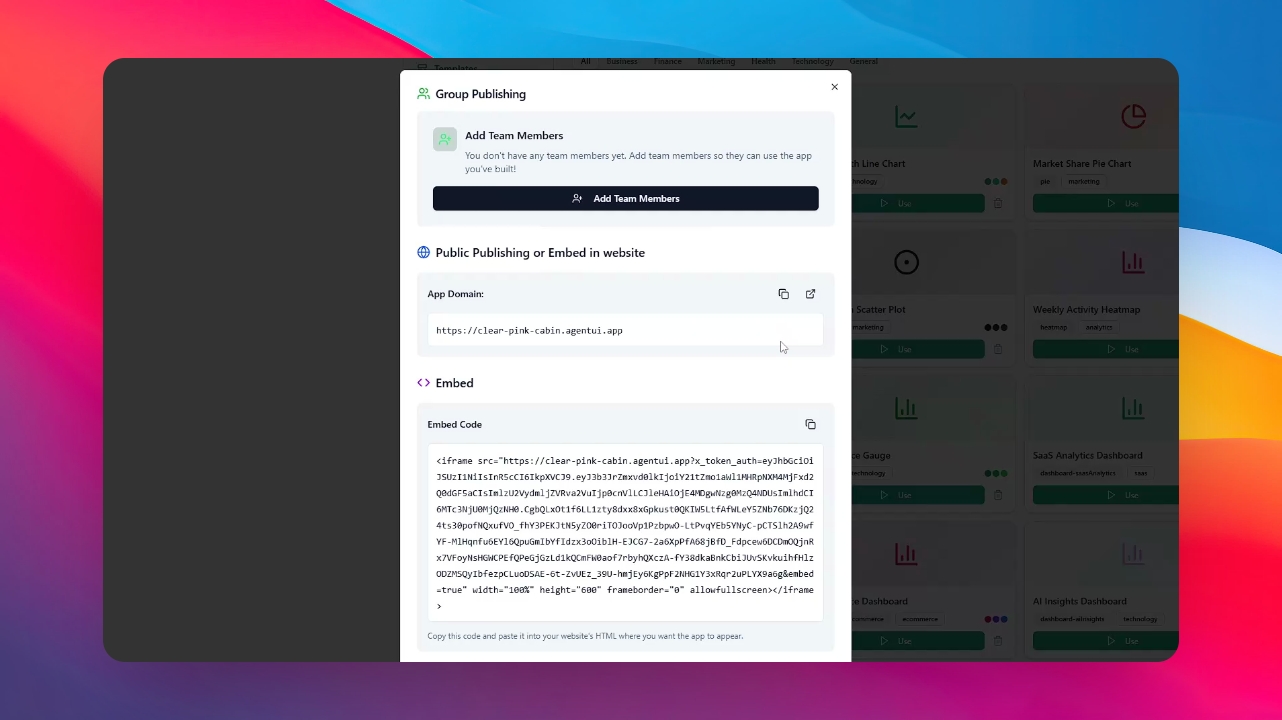
This mode allows you to select which user or group can have access to the app in the internal portal.