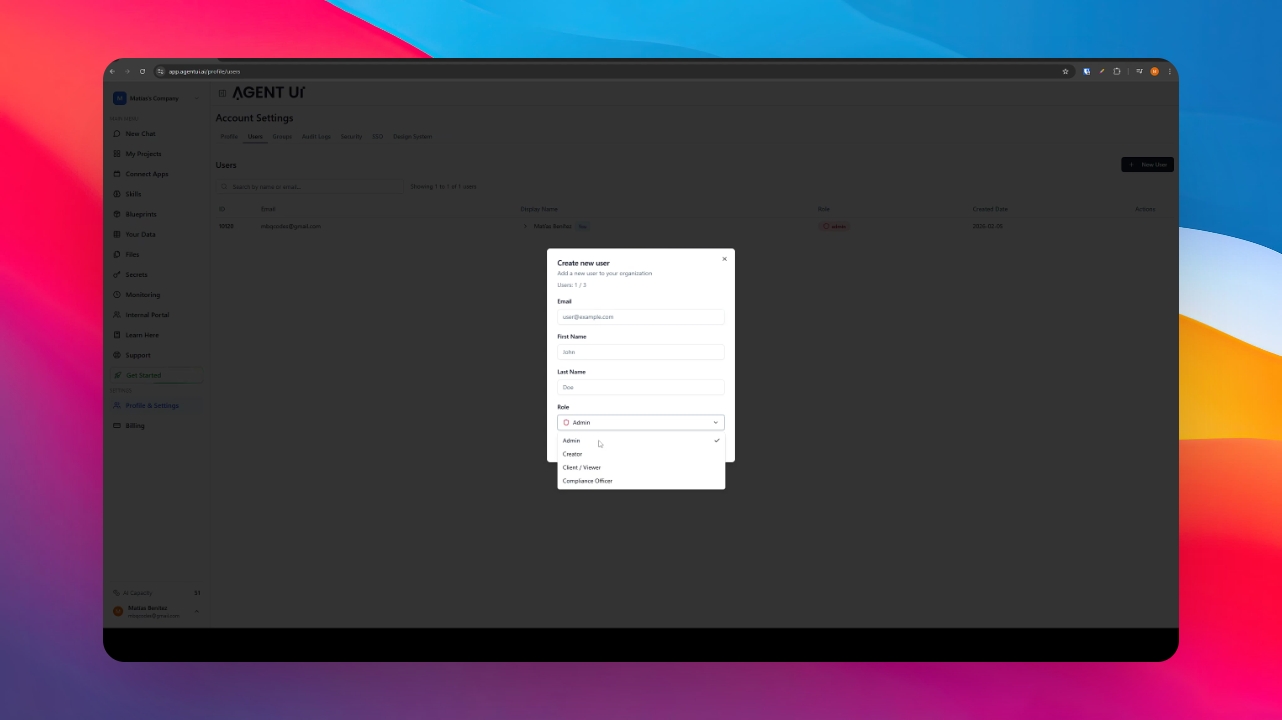
Step 1: Edit or Add a Role
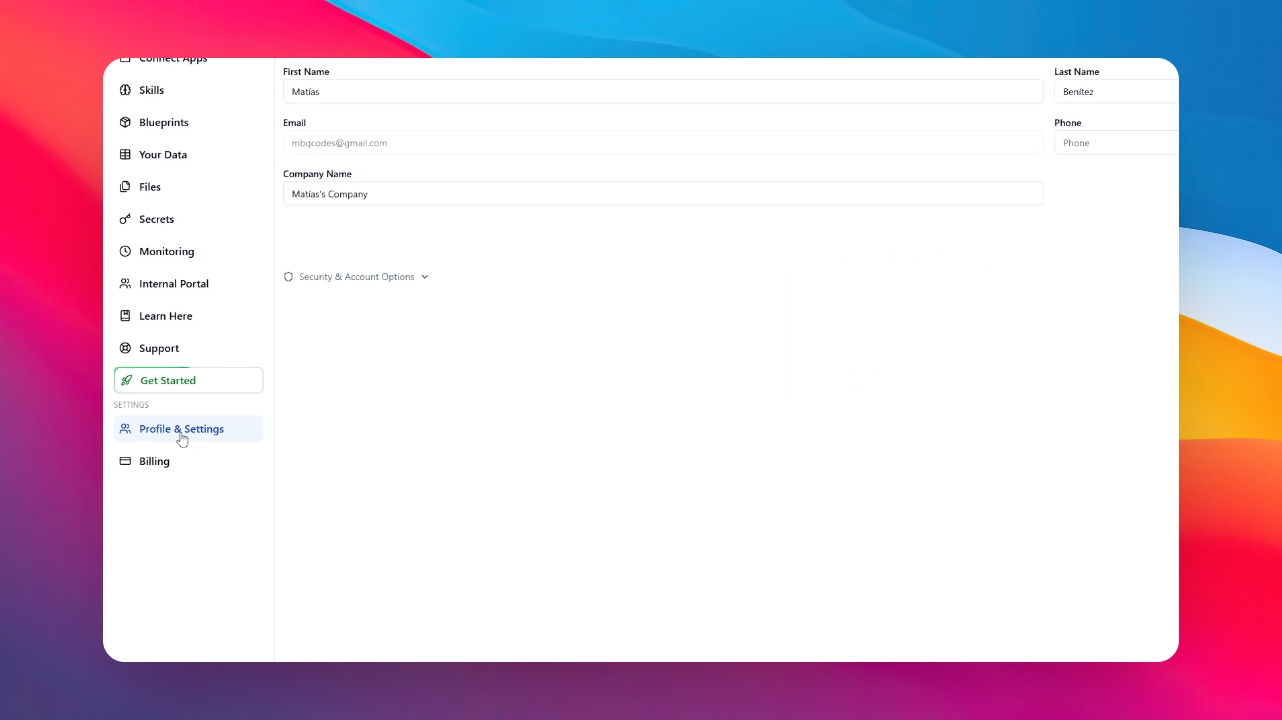
Go to the Profile section, then click on New User and complete the information, including email and names.
Now let's talk about the roles.
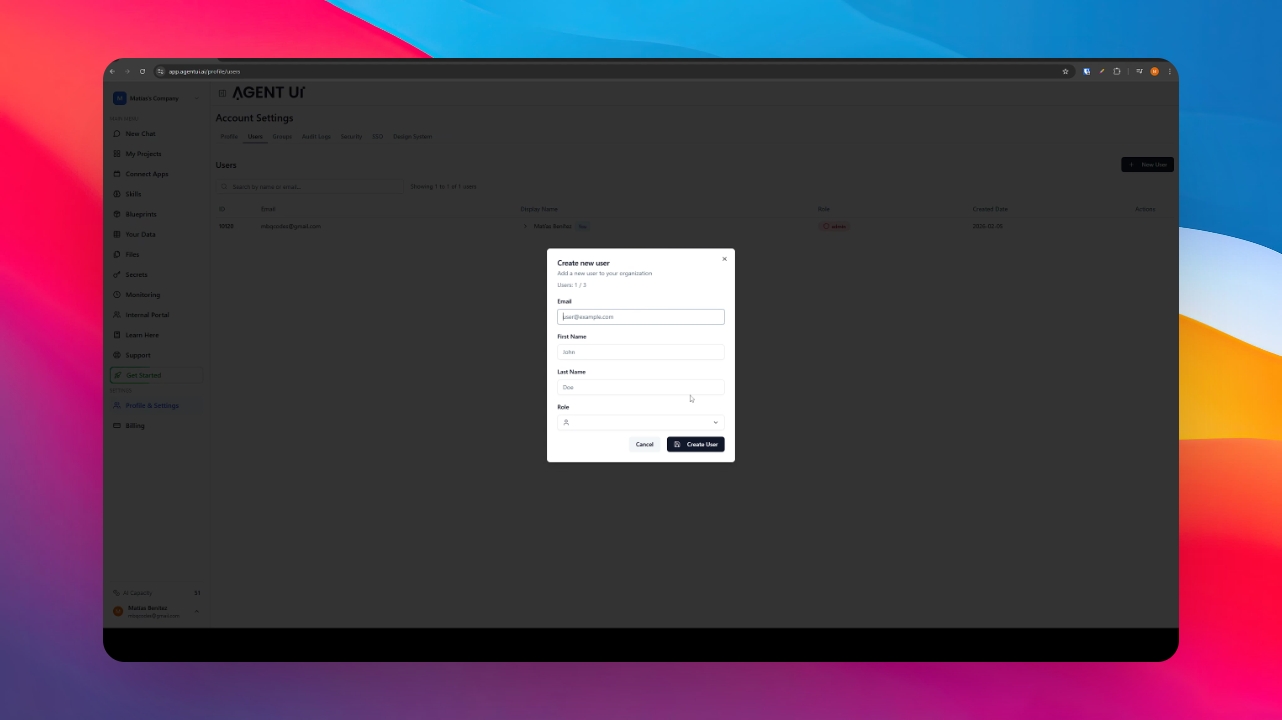
Role Overview
Administrator: The operational head responsible for managing payments, billing, and user onboarding.
Creator: Focused strictly on app construction and workflow automation with data access restricted to development needs.
Client/Viewer: The most common role designed for those who consume the app within the internal portal, with strictly controlled access to data.
Compliance Officer: A specialized role focused on governance and auditing, with total access to data for legal oversight and regulatory compliance.